Application Description
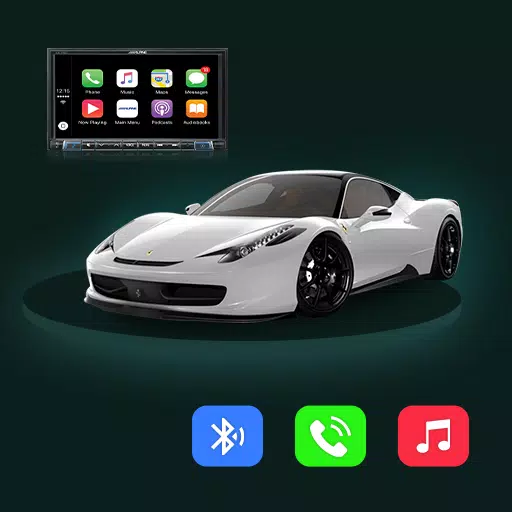
Effortlessly sync your car display with the Tima App using its mirror link feature.
Tima App Car Link – Mirror Your Android Screen to Your Car Display
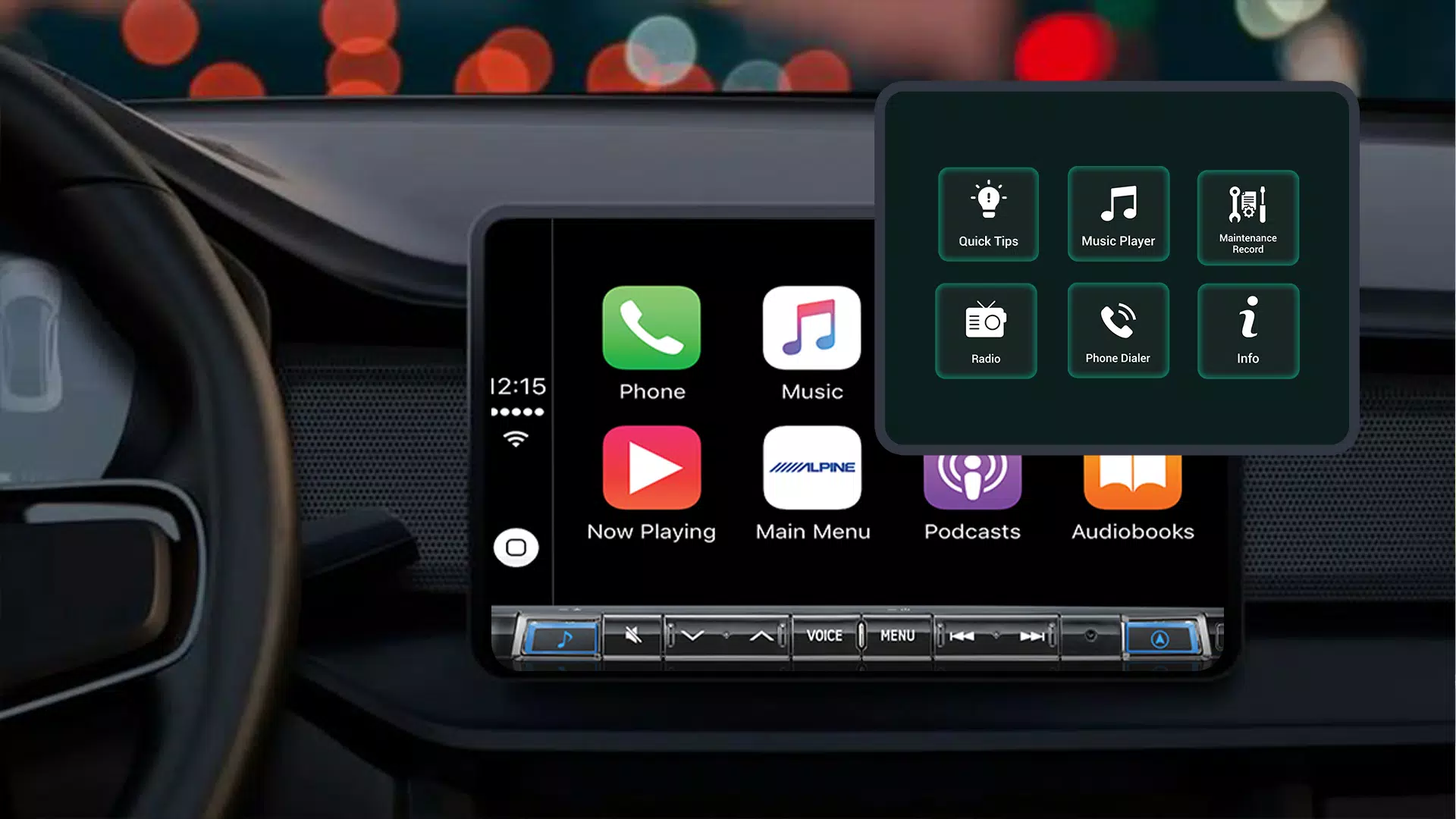
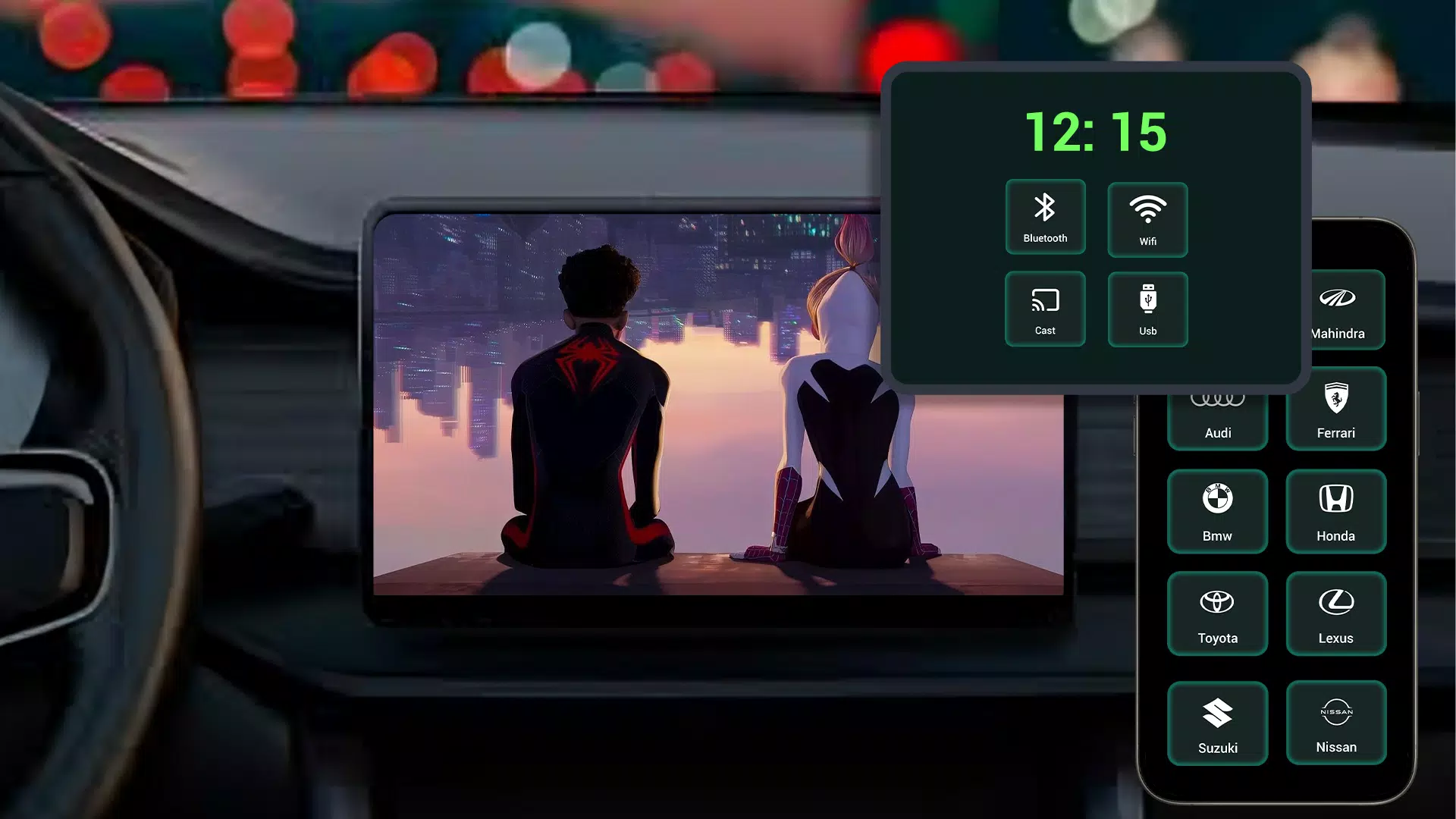
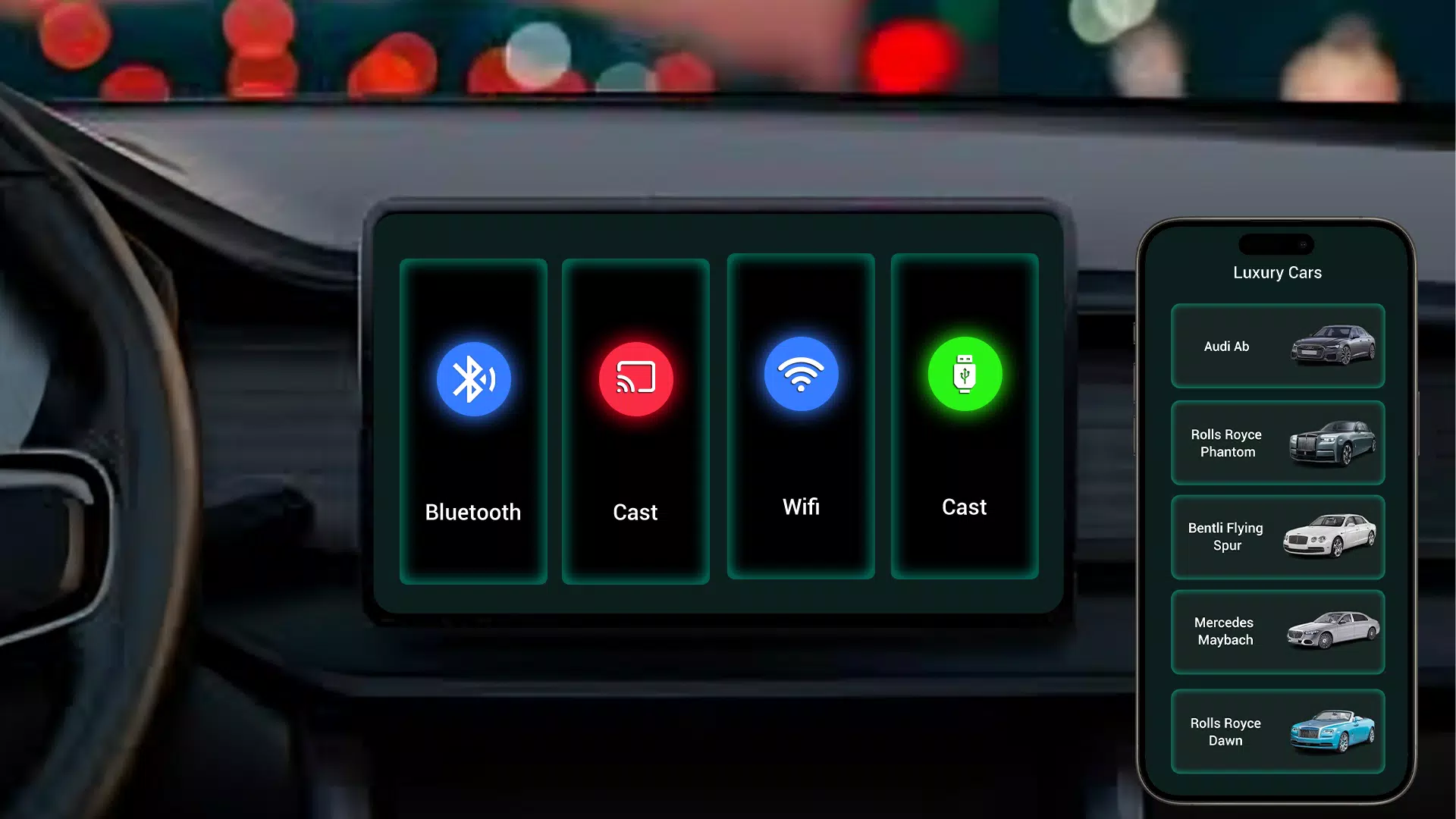
Tima App Car Link simplifies connecting your Android device to your car's display through seamless screen mirroring. Enjoy smooth integration between your smartphone and vehicle, giving you easy access to navigation, entertainment, and apps while on the road.
Key Benefits of Tima App Car Link:
Quick Car Display Sync: The mirror link feature instantly connects your Android phone to your car's infotainment system for effortless screen sharing.
Simplified App Access: Operate navigation, music, and messaging apps directly from your car's display for safer, hands-free driving.
Entertainment On-The-Go: Stream your favorite music and podcasts through your car's audio system during every journey.
Intuitive Design: The app's user-friendly interface makes setup and operation straightforward for all users.
Stable Performance: Maintains a consistent, interference-free connection between your phone and car display.
Why Use Tima App Car Link?
Tima App Car Link transforms your driving experience by seamlessly integrating your smartphone's functions with your vehicle. Daily commutes or road trips become more convenient with instant access to apps and entertainment through your car's display.
Smart Driving Solutions
Promote safer driving by controlling phone features through your car's system instead of handling your device. Stay alert on the road while maintaining full functionality.
Custom App Connectivity
Tima App delivers personalized integration with your preferred applications. Access navigation, media, and communication tools directly from your car's display for a smarter driving experience.
Instant Setup
Get started in moments – just install Tima App Car Link, connect your Android device, and begin mirroring immediately. No complicated settings or technical knowledge required.
Download Tima App Car Link Today!
Upgrade your drive with Tima App's screen mirroring technology. Install now to connect your Android phone to your car's display and enjoy entertainment, navigation, and apps with just a glance. Experience intuitive, hands-free convenience with Tima App.
What's New in Version 1.1
Last updated on Oct 29, 2024
Performance enhancements and minor fixes. Update now for optimal performance!
Screenshot
Reviews
Apps like Tima App Car Link







Trending apps


Top News


![Roblox Forsaken Characters Tier List [UPDATED] (2025)](https://ima.hhn6.com/uploads/18/17380116246797f3e8a8a39.jpg)


Latest Apps



Latest Articles