Ready or Not: Fix 'Mission Not Complete' Error Fast
So, you just finished a mission in *Ready or Not*, cleared all threats, rescued hostages perfectly—only to get hit with "Mission Not Complete." Frustrating, isn't it? You're not alone. Here's how to resolve this issue in *Ready or Not*.
1. Verify All Mission Objectives
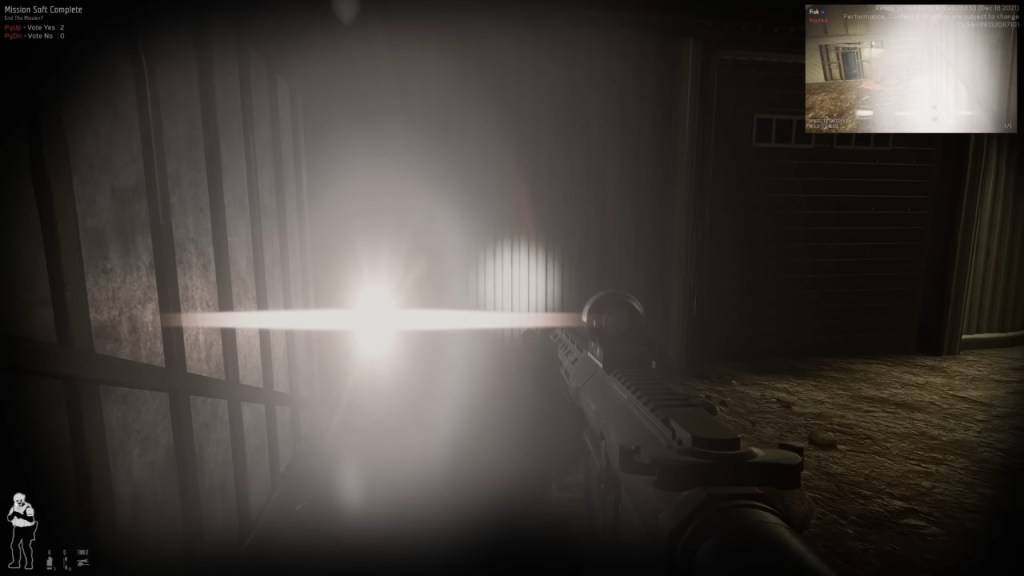
First, meticulously review your objectives. Even if you're certain you completed everything, the game may disagree. Unfulfilled objectives allow mission termination through voting.
How to Check: Press Tab to open the mission menu and inspect the objective list. Incomplete tasks appear in red. Common oversights include:
- Reporting incapacitated individuals - You must interact (default F key) with downed suspects and civilians to formally report them
- Securing dropped weapons and evidence - Every firearm and piece of evidence must be collected
- Optional objectives - Some missions include secondary tasks like disabling security systems
- Hostage safety verification - Ensure all restrained civilians are properly freed
Solution: Retrace your steps through the mission area to locate missed items or objectives.
2. The Multiplayer Voting Dilemma
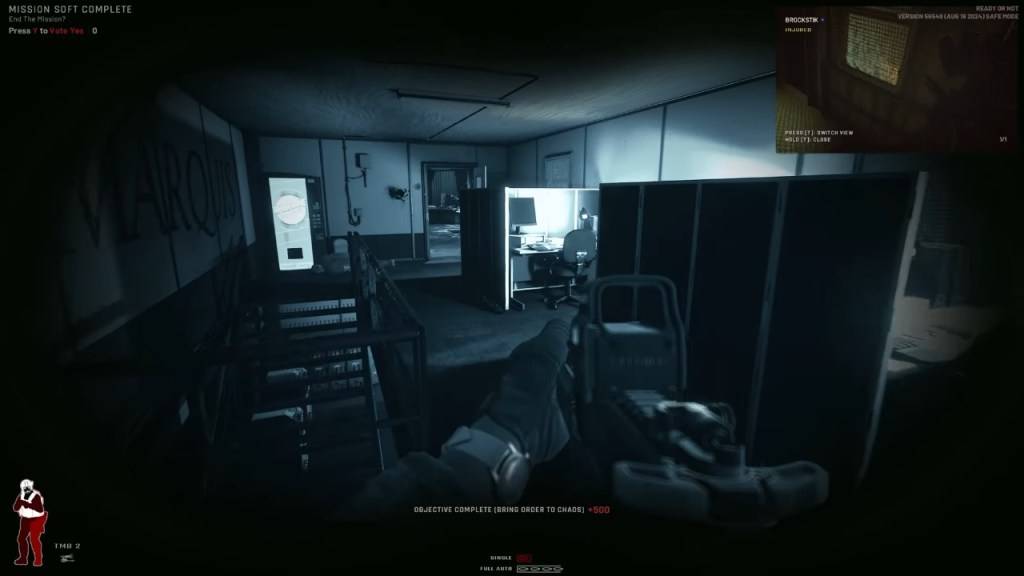
In cooperative play, every squad member must confirm mission completion. A single missed vote triggers the incomplete status.
Resolution:
- Ensure all players press Y (default) when the vote prompt appears
- Communicate with teammates who might miss the prompt
- Consider restarting if the voting interface fails to appear for some players
3. Technical Glitches
Sometimes the game fails to register completion despite meeting all requirements.
Common Issues:
- Weapons not being recognized as secured
- Rescued hostages not being counted
- Objectives remaining incomplete despite fulfillment
Troubleshooting Steps:
- Attempt the mission again
- Switch hosting responsibilities in multiplayer sessions
- Verify game files through Steam
When All Else Fails: The Reset Option
For persistent issues, restarting remains the most reliable solution. As *Ready or Not* continues development, mission completion bugs occasionally occur.
*Ready or Not is currently available on PC.*
Trending Games

![A Father’s Sins – Going to Hell [Ch. 7 Public] By Pixieblink](https://ima.hhn6.com/uploads/67/1719578270667eae9eb6a75.jpg)


Top News


![Roblox Forsaken Characters Tier List [UPDATED] (2025)](https://ima.hhn6.com/uploads/18/17380116246797f3e8a8a39.jpg)


Latest Games


![Return To The Village [BETA]](https://ima.hhn6.com/uploads/96/1731064514672df2c2b2319.webp)