Application Description
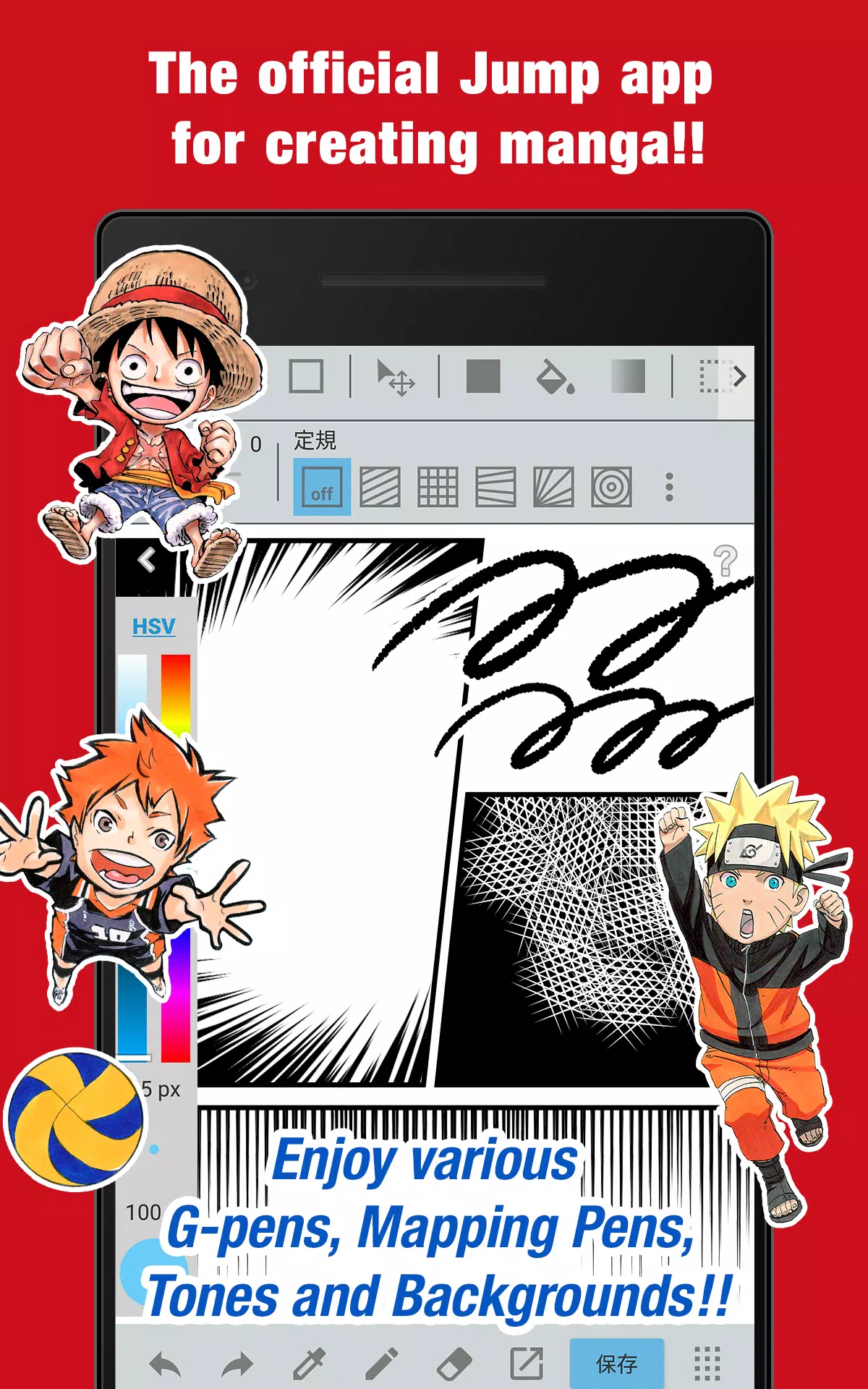
The official Jump app for creating manga! Packed with exclusive insights from Jump authors!
■ A completely free app for making authentic Weekly Shonen Jump-style manga and illustrations!
Use G-pens, Mapping Pens, Tones, and Backgrounds at no cost!
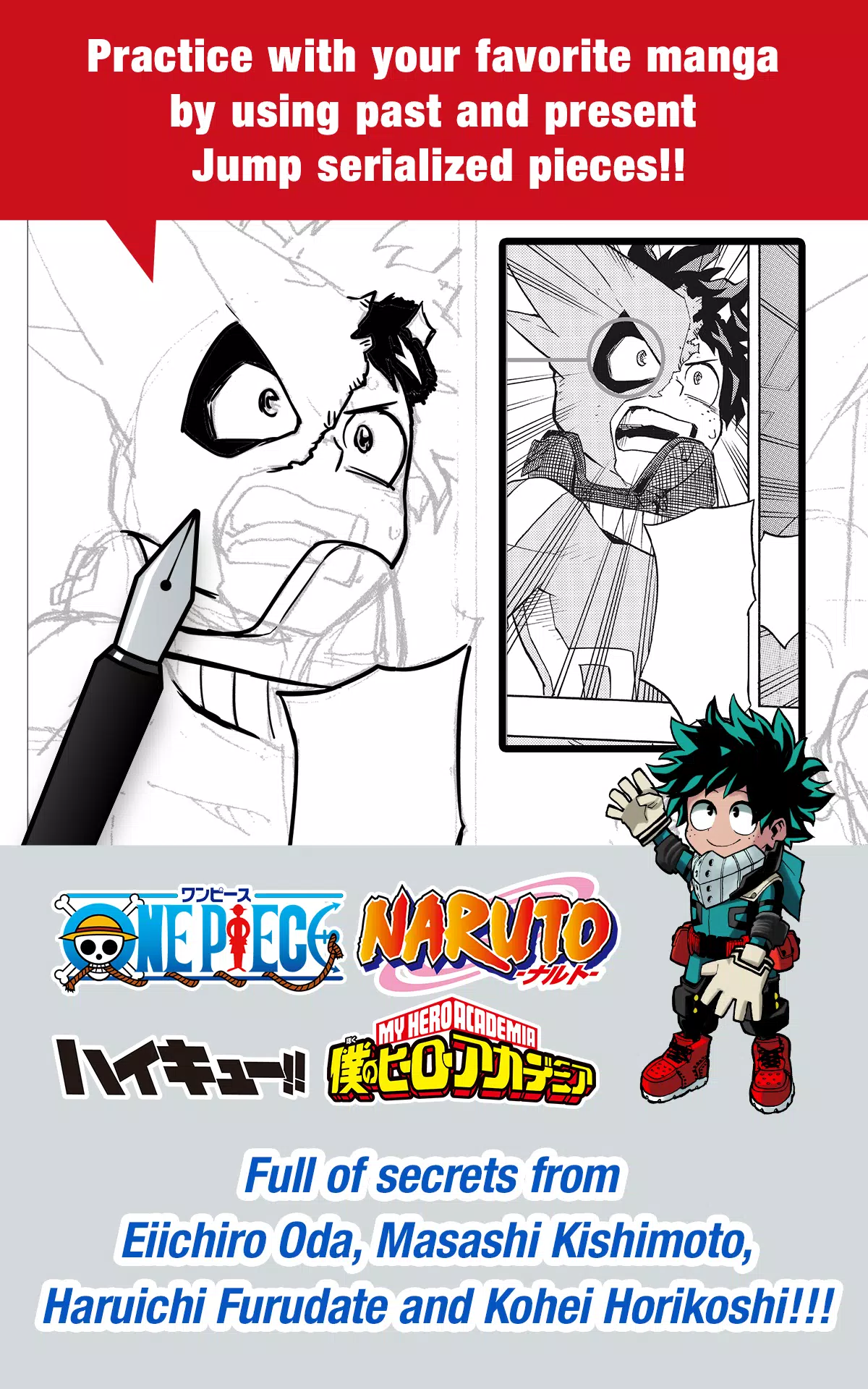
■ Train with real Jump series—both classic and current titles!
Discover insider tips from celebrated Jump creators like Eiichiro Oda (One Piece) and Kohei Horikoshi (My Hero Academia)!
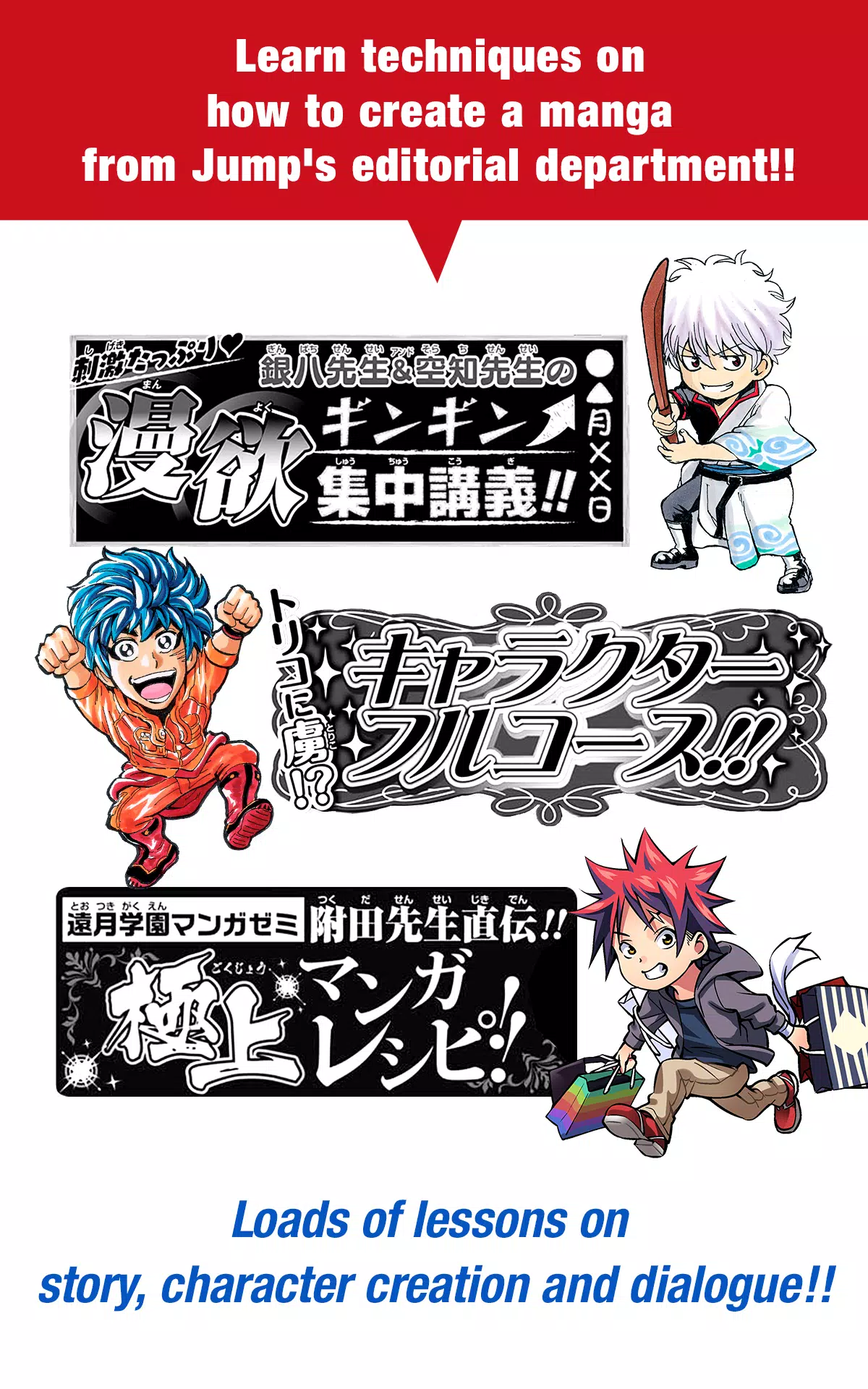
■ Master manga-making techniques with guidance from Jump’s editorial team!
Lessons cover story development, character design, and writing dialogue!
■ Enter official Jump contests directly through the app!
Stay updated on contest announcements and deadlines. Don’t miss your chance!
What is JUMP PAINT?
JUMP PAINT is the ultimate manga and illustration app—the result of a partnership between MediBang Paint (12+ million downloads) and Weekly Shonen Jump.
JUMP PAINT was built to offer artists a flexible, on-the-go creative environment using MediBang Paint's robust toolset.
JUMP PAINT delivers professional-grade features for illustrators and manga artists, including diverse brushes, materials, and comic-friendly fonts.
■ Draw Anywhere!
・Carry the power of desktop painting software right in your pocket.
・An iPhone-optimized interface combines rich features with smooth usability.
・Open or close UI elements with a single tap.
・Easily adjust brush sizes and color modes with the streamlined layout.
■ Painting Tools
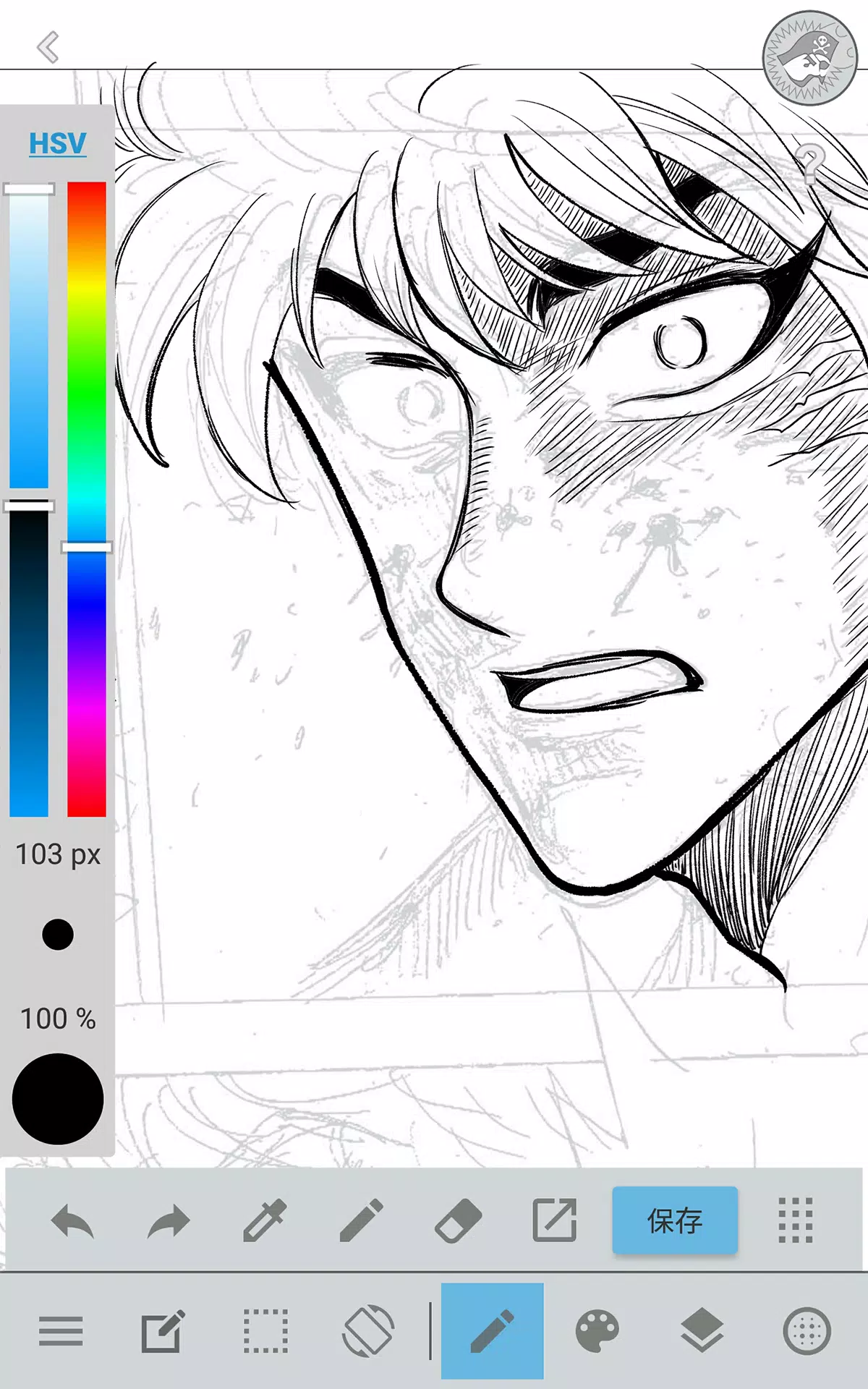
・90+ free brushes at your disposal!
・Choose from Pen, Pencil, Watercolor, Blur, Smudge, G Pen, Mapping Pen, Rotation Symmetry, Edge Pens, and over 50 others like Brush, Flat Brush, Round Brush, Acrylic, School Pen, and Soft Pastel.
・Force Fade In/Out keeps lines crisp, even when drawing with fingers.
・Customize and design your own brushes.
■ Free Resources
・Access 800+ free tones and backgrounds.
・Ready-to-use textures like clouds, buildings, and vehicles included.
・Apply tones instantly with one tap.
■ Layers
・Work with layers that support blending modes.
・Organize different parts of your artwork with ease.
■ Comic Fonts
・Adjust the tone and feel of your comics with professional fonts.
・Express character emotions and traits through typography.
・Choose from 50 industry-standard fonts.
■ Comic Creation
・Drag across your screen to design custom comic panels.
・Reshape and resize panels freely.
■ User Friendly
・Customize shortcuts to fit your workflow.
・Intuitive design welcomes first-time users.
・An uncluttered interface gives artists more drawing space.
・Switch to full-screen mode with a single tap.
■ Other Tools
・Use drawing guides for perspective, straight lines, and smooth curves.
・Apply stroke correction to steady your lines.
■ Photo Reference
・Capture or import photos and place them on a separate reference layer.
・Use photos to learn or inspire new drawings.
■ Cloud Storage
・Securely backup and organize your creative projects.
・Transfer files between devices effortlessly.
■ Manage Project
・Save and organize multi-page documents in one place.
■ Syncability
・Sync your presets with the PC version of JUMP PAINT.
■ Team Creation
・Collaborate with others remotely on shared projects.
■ Auto Recovery
・Automatic data backup protects your work in case of device failure.
IMPORTANT
To access cloud features, a free MediBang account is required(https://medibang.com/).
Screenshot
Reviews
Apps like JUMP PAINT by MediBang





Trending apps


Top News


![Roblox Forsaken Characters Tier List [UPDATED] (2025)](https://ima.hhn6.com/uploads/18/17380116246797f3e8a8a39.jpg)


Latest Apps




Latest Articles