Application Description
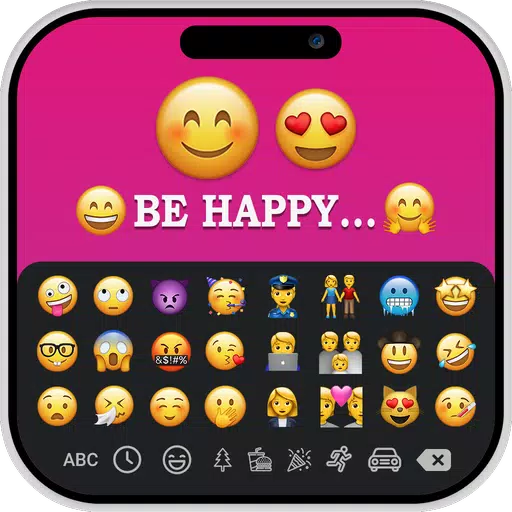
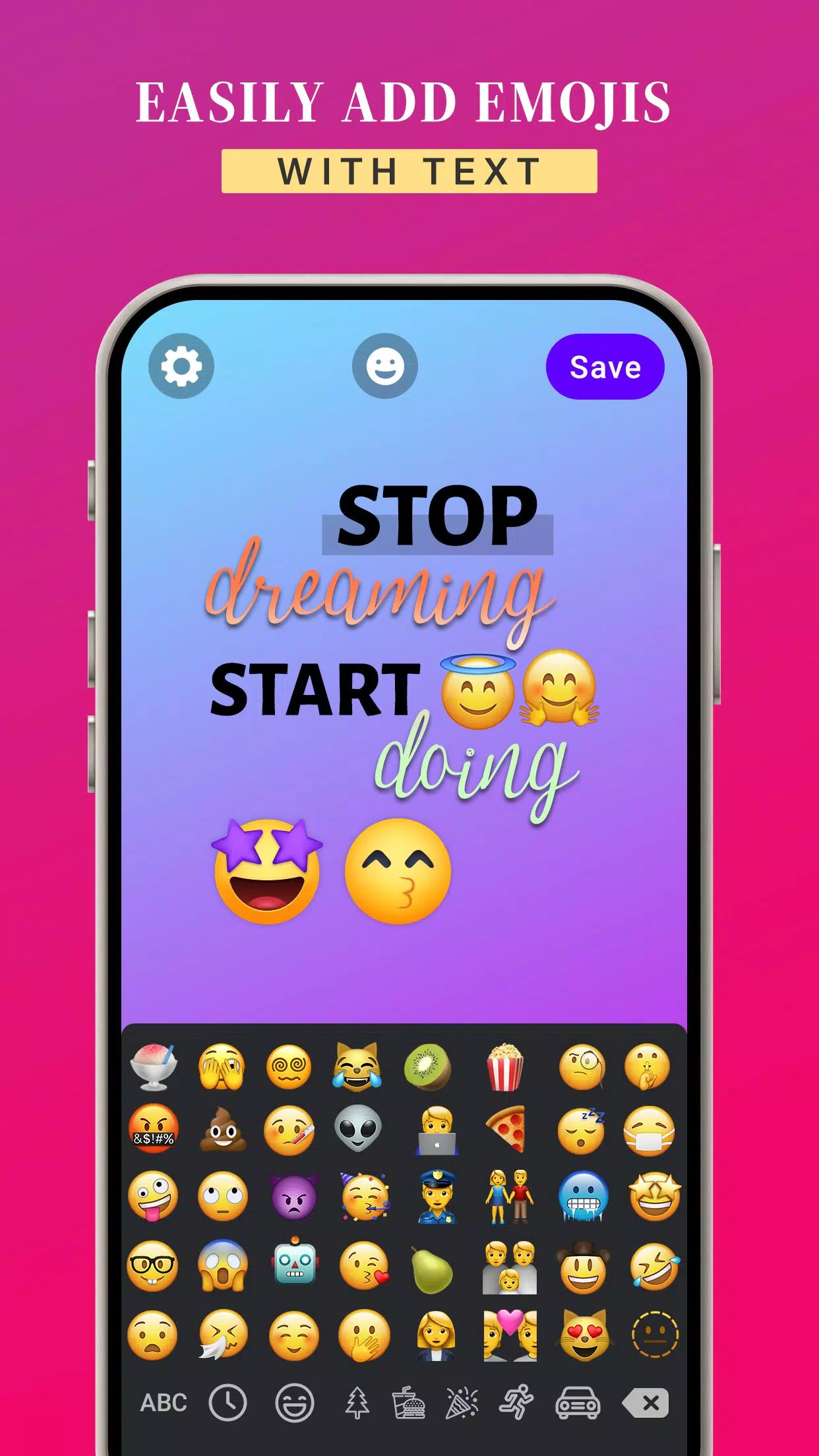
The iOS Emoji for Story app lets you design images with text and iOS emojis.
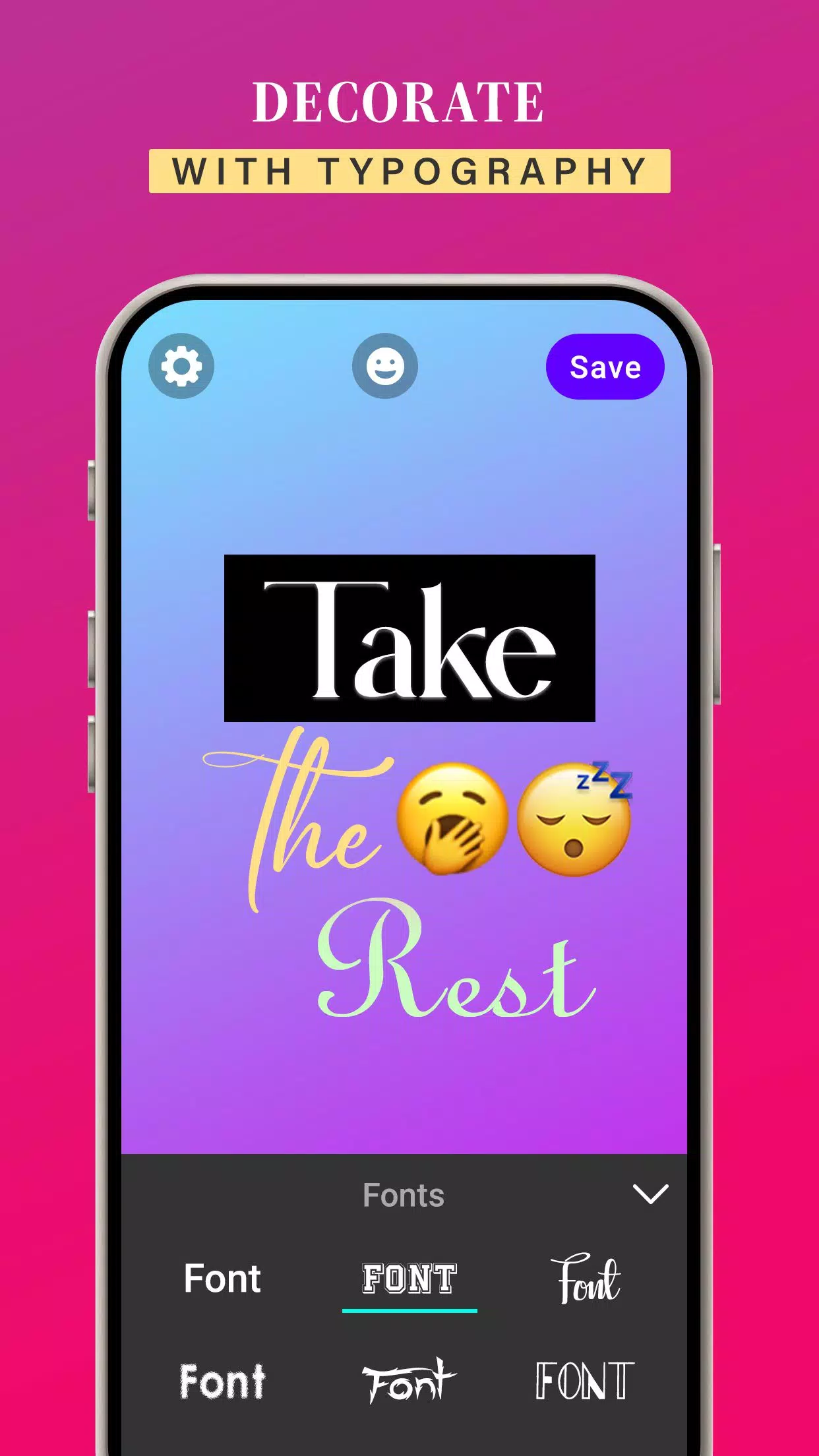
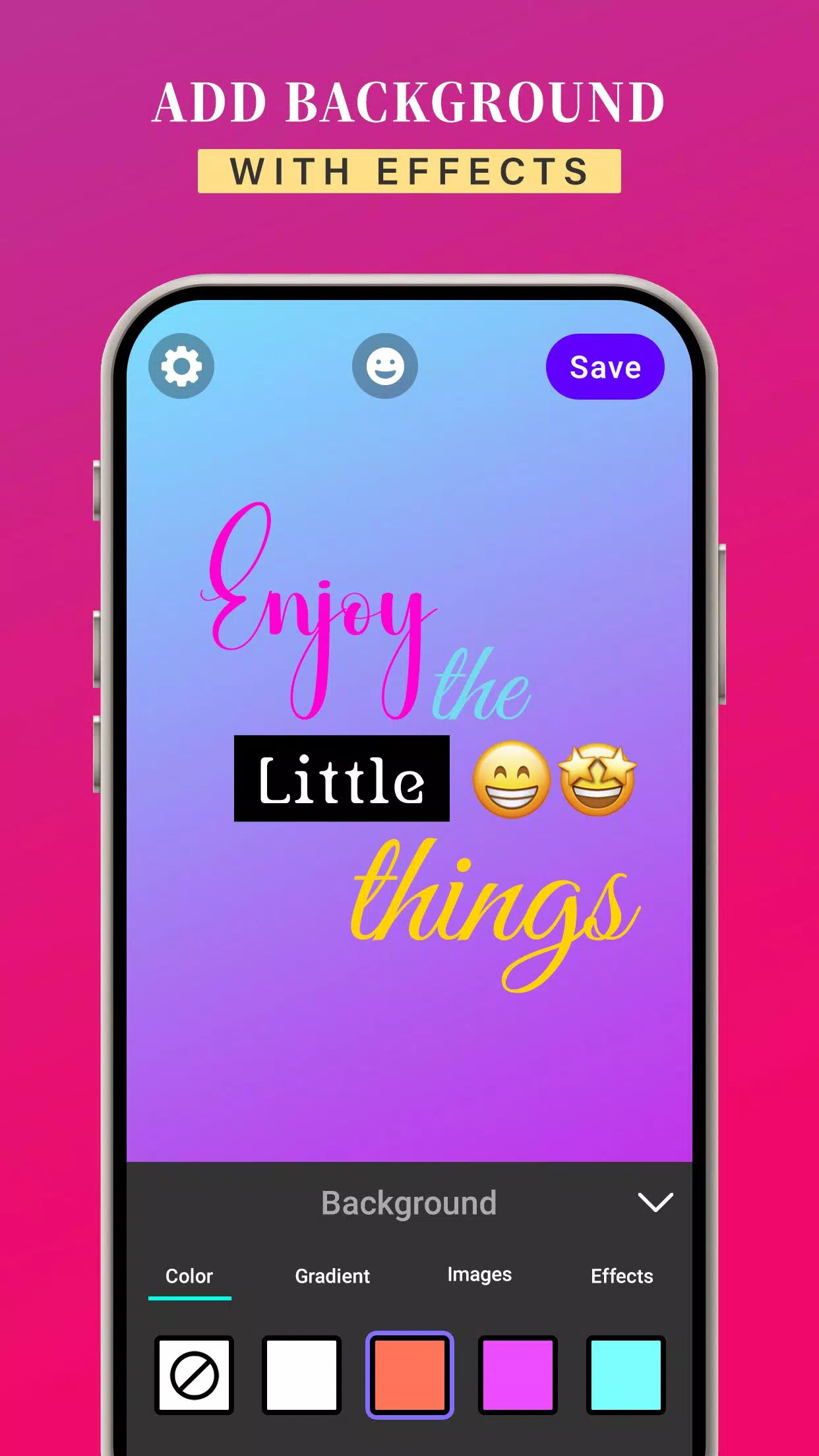
With the iOS Emoji for Story app, you can choose from a range of font styles to customize your text and emojis. Enter your own message, then personalize it with different text styles. You can also apply background colors, gradients, or images to your text and iOS emojis. Plus, enhance your creations with effects like shadow, radius, and opacity.
The iOS Emoji for Story app lets you change your text's font style, offering multiple options to match your vision.
Using the app, you can modify text colors, gradients, and images, and align your text using letter and line spacing controls.
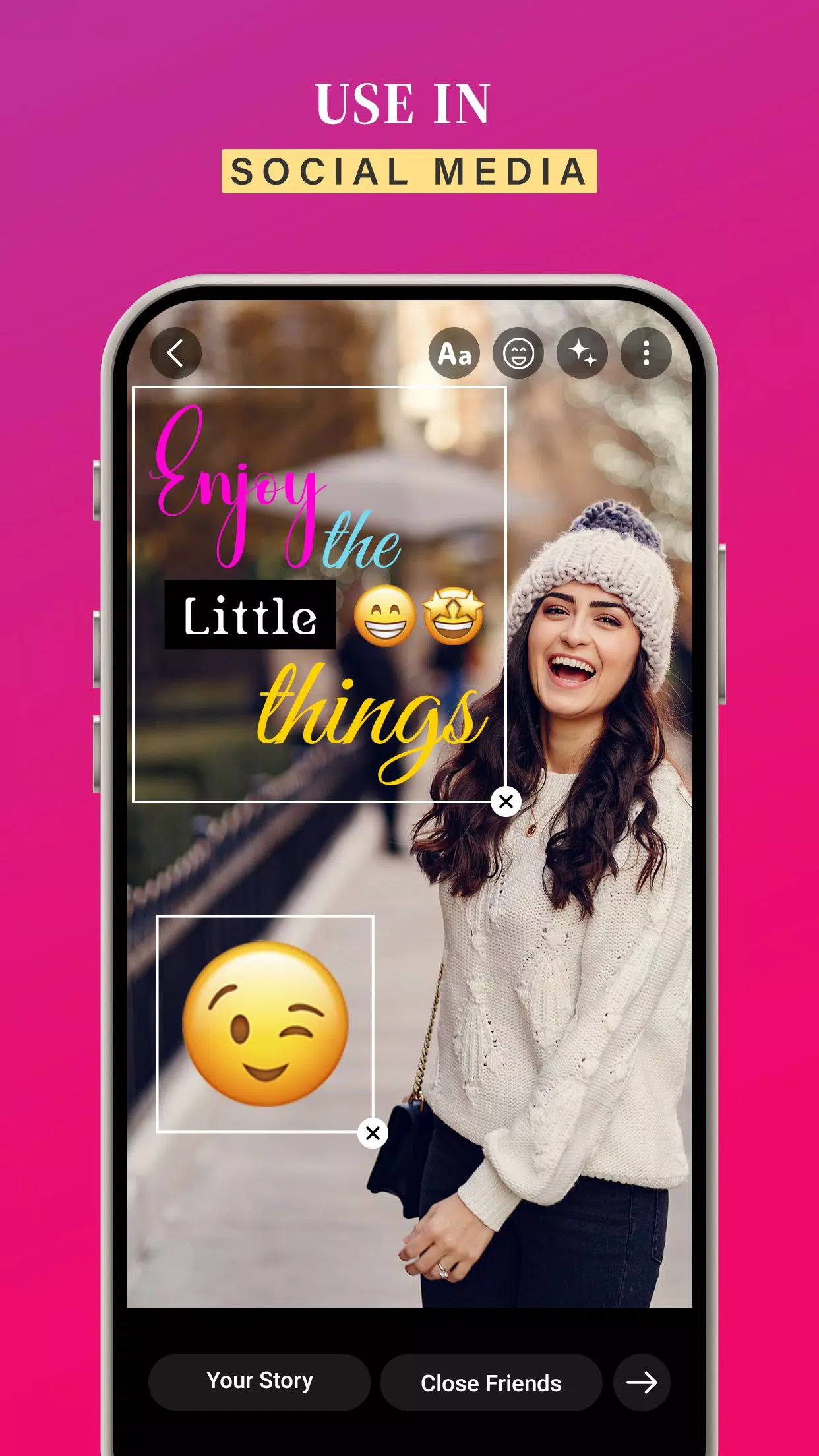
Once you've designed an image with your text and iOS emojis, tap Save to store it in your gallery. Then pick it from your gallery and add it to your story for a creative touch.
KEY FEATURES:
➤ Create custom images by adding text and iOS emojis
➤ Use iOS emojis while creating your story
➤ Customize text colors, gradients, and images
➤ Add background colors to your images
➤ Easily use iOS emojis on your Android device
➤ Change the font style of your text
➤ Free to download
➤ User-friendly app to elevate your stories
iOS Emojis for Story helps you create fun, creative, bright, and colorful posts and messages for social media.
Download the iOS Emojis for Story app to use iOS emojis on any Android device.
Screenshot
Reviews
Apps like iOS Emojis For Story











Trending apps


Top News


![Roblox Forsaken Characters Tier List [UPDATED] (2025)](https://ima.hhn6.com/uploads/18/17380116246797f3e8a8a39.jpg)


Latest Apps



Latest Articles