

Application Description
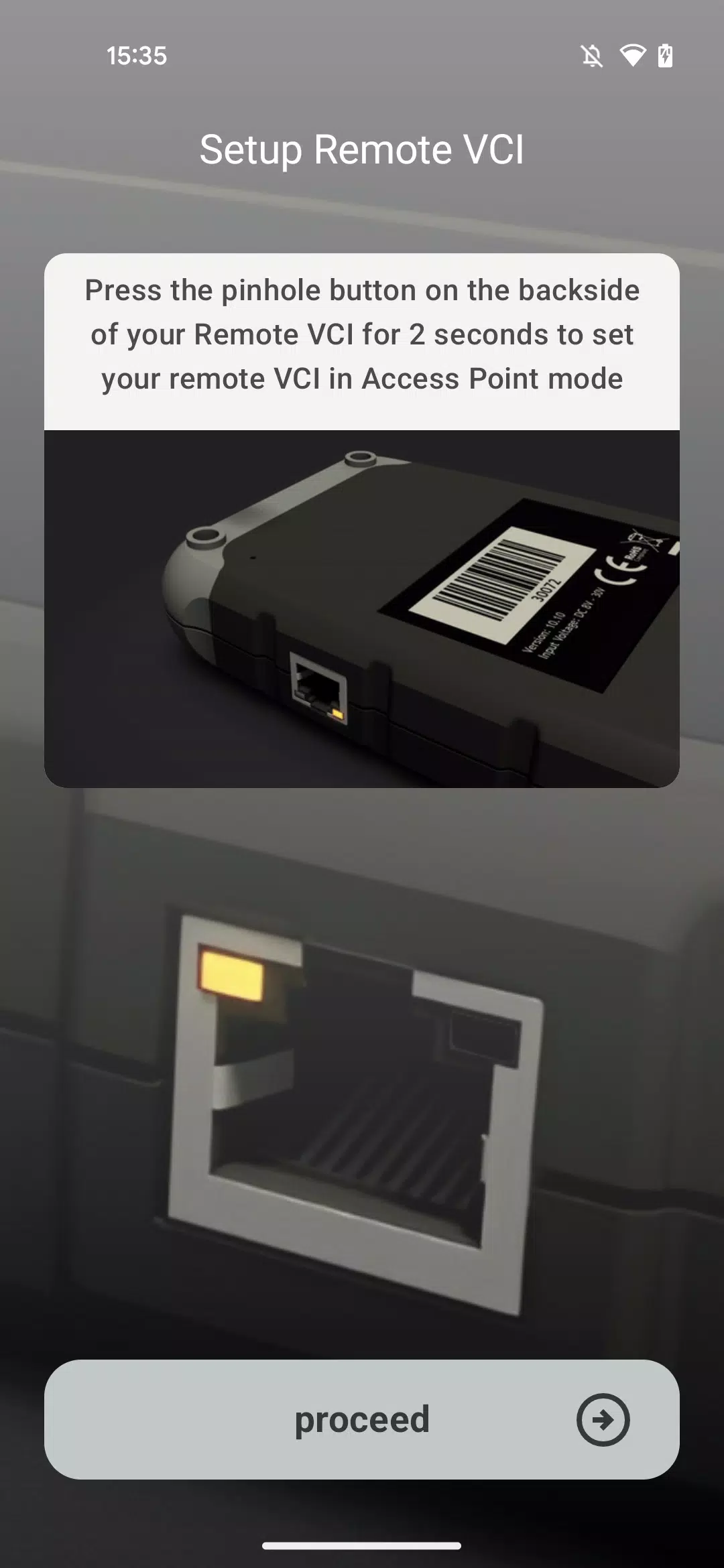
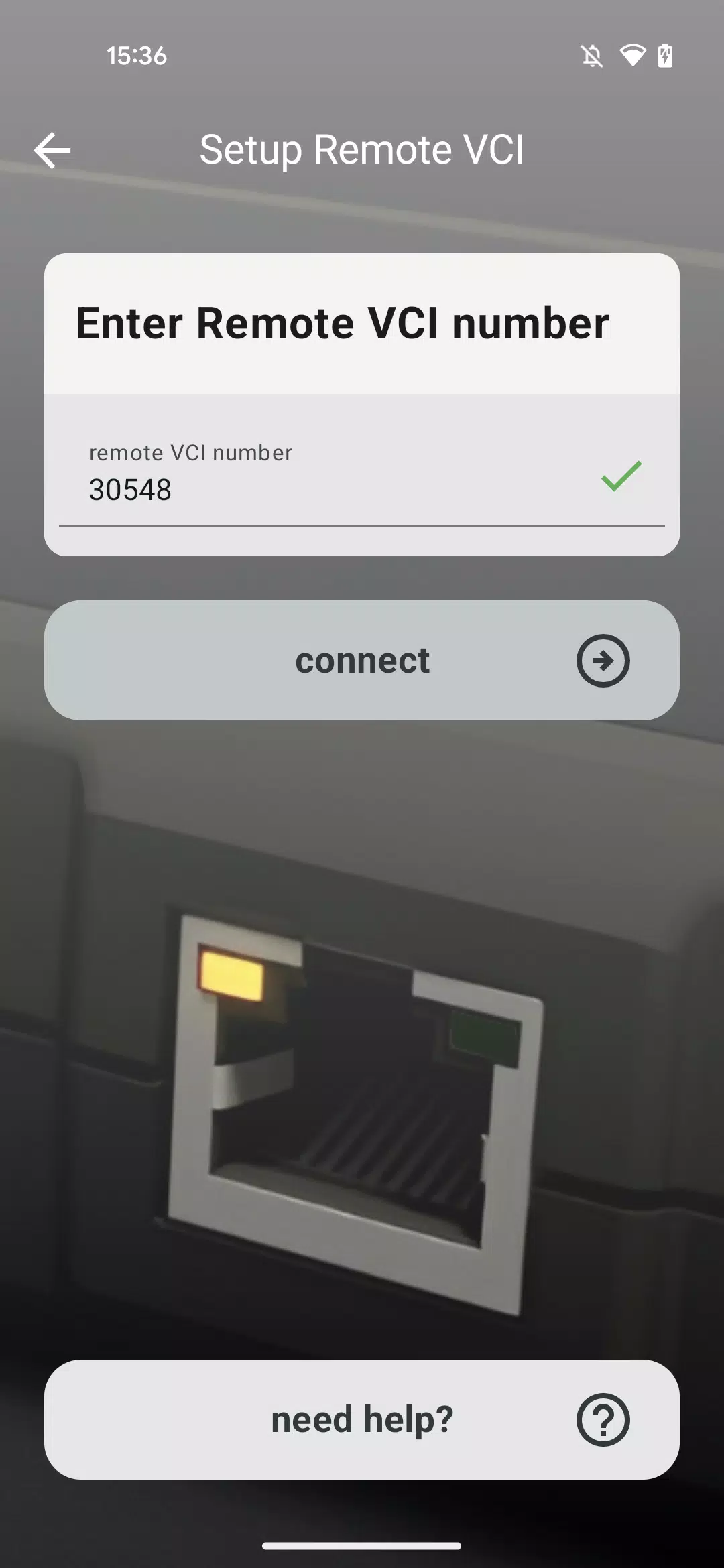
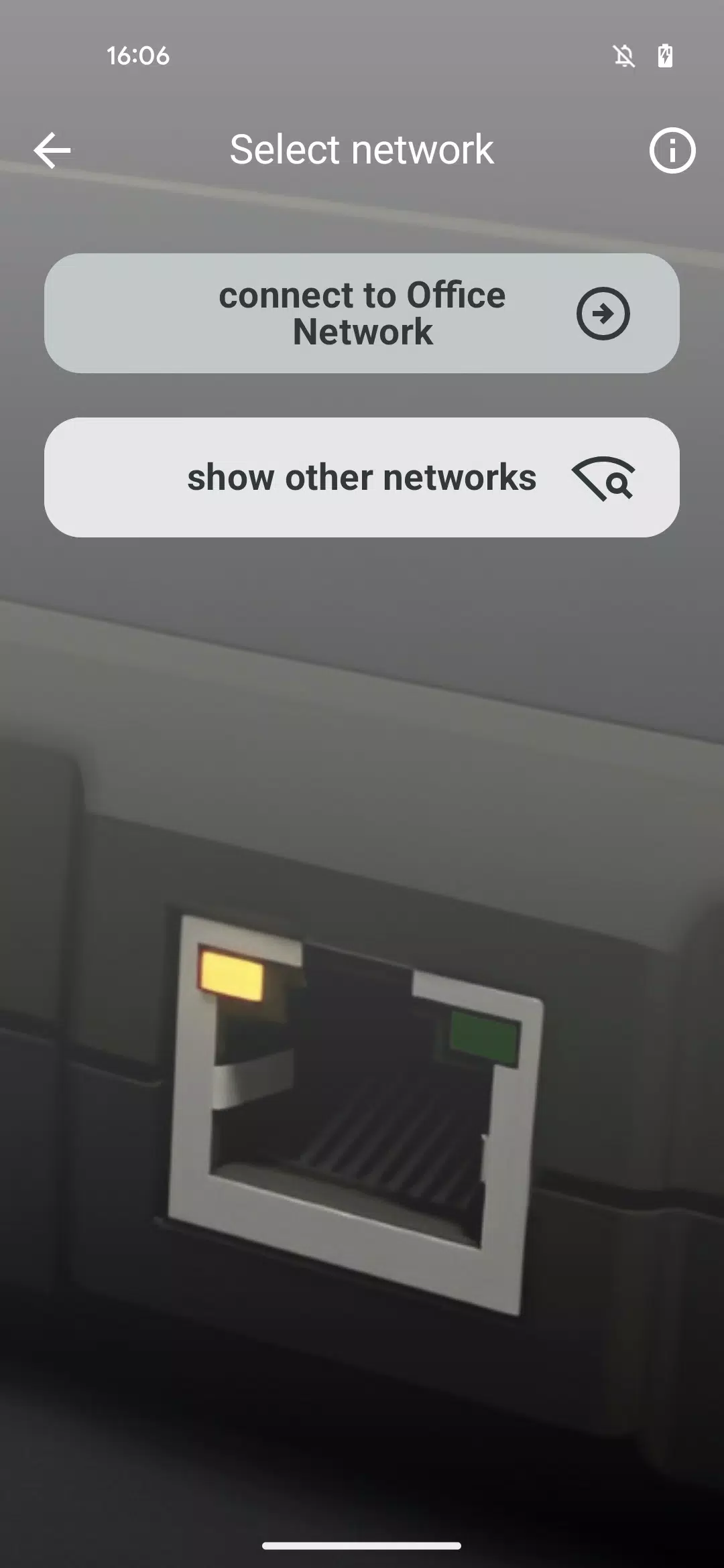
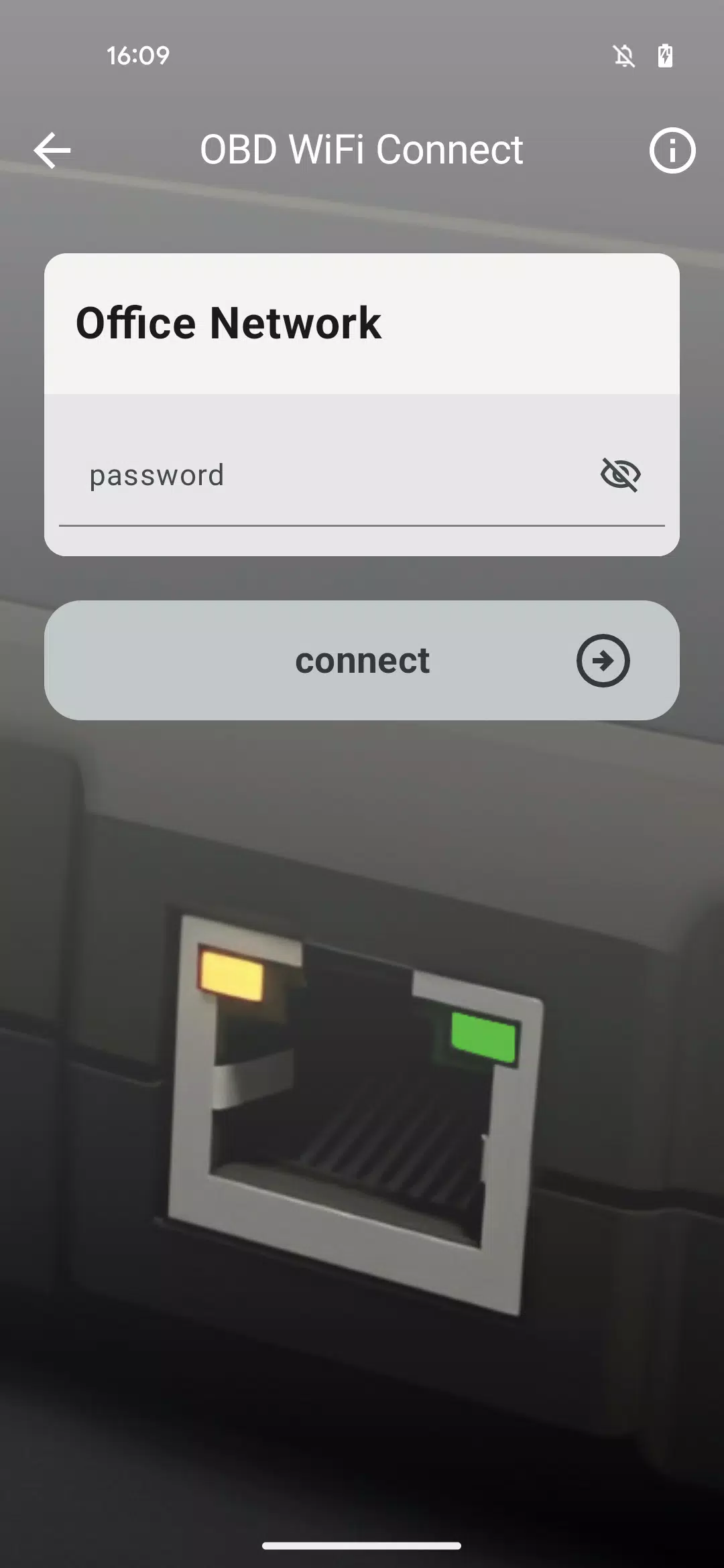
This app guides you through connecting your Remote VCI to your workshop's Wi-Fi network.
This dedicated application assists you in linking your Remote VCI to the available Wi-Fi within your workshop.
It offers a clear, step-by-step guide for choosing the right Wi-Fi network and entering its password, enabling your Remote VCI to automatically join the network.
Ensure you have your Wi-Fi network's correct login credentials ready.
The app's "Need Help" section contains extra guidance should you encounter any issues during the Remote VCI setup.
For tasks requiring maximum connection stability, such as performing full software flashes on control units, we advise connecting your VCI to the internet using a LAN cable rather than Wi-Fi.
What's New in Version 1.1.2
Last updated on Nov 10, 2024
We are pleased to introduce the OBD WiFi Connect app, designed to help get your Remote VCI operational.
Screenshot
Reviews
Apps like OBD WiFi Connect










Trending apps


Top News


![Roblox Forsaken Characters Tier List [UPDATED] (2025)](https://ima.hhn6.com/uploads/18/17380116246797f3e8a8a39.jpg)


Latest Apps






Latest Articles