
Application Description
Turn your phone into the perfect mirror. Convenient! Tap the mirror area to toggle menu visibility.
Watch the tutorial video to learn how to use it.
[ Tomorrow, I will meet... me... yesterday. ]
Mirror + Selfie Camera (best free mirror app)
Transform your device into an ideal smart mirror.
Simple and effective!
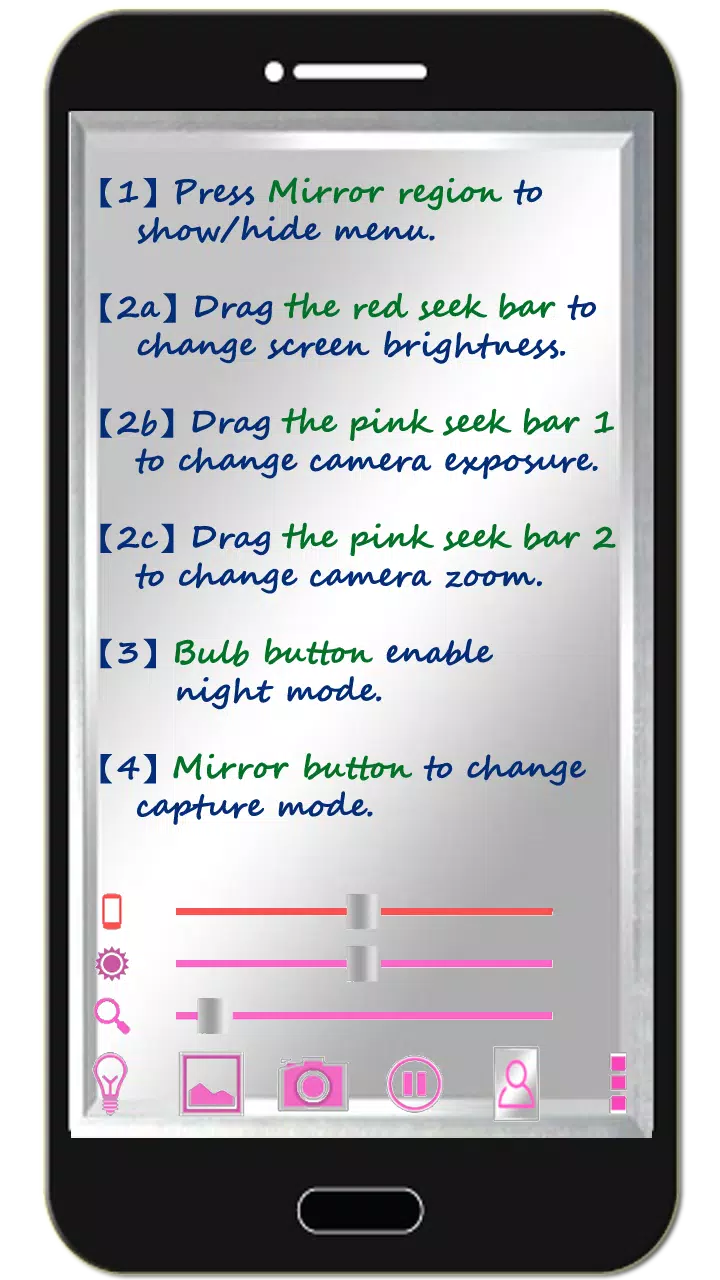
Tap the mirror area to show/hide controls.
Quick Mirror Camera Guide
On launch, the app hides all controls for an authentic mirror experience.
Adjust settings using these methods:
- Tap mirror area to toggle menu
- Adjust red slider for brightness control
- Use pink slider 1 for exposure adjustment
- Use pink slider 2 for zoom functionality
- Tap bulb icon to toggle night mode
- Press mirror icon to switch capture modes (capture mirrored image or direct photo)
- Use pause button to freeze frame (double-tap frozen image to zoom or pinch-to-zoom)
- Volume keys: Down = freeze frame, Up = capture photo (additional options in camera settings)
Additional Features
- Take pictures or edit mirror photos
- Night mode activates edge lighting (bulb icon)
- Auto-exit after 10 minutes of inactivity to conserve battery (screen stays on during use)
Recommended Photo Editor
(Line Camera)
https://play.google.com/store/apps/details?id=jp.naver.linecamera.android
This editor offers excellent compatibility and user-friendly external photo editing. Built-in editors (like Samsung's) also work well.
Connect With Us
Support us on Facebook:
https://www.facebook.com/jkfantasy
Version 1.6.0 Update
Released: May 26, 2020
Changes:
- Minor bug fixes implemented
Screenshot
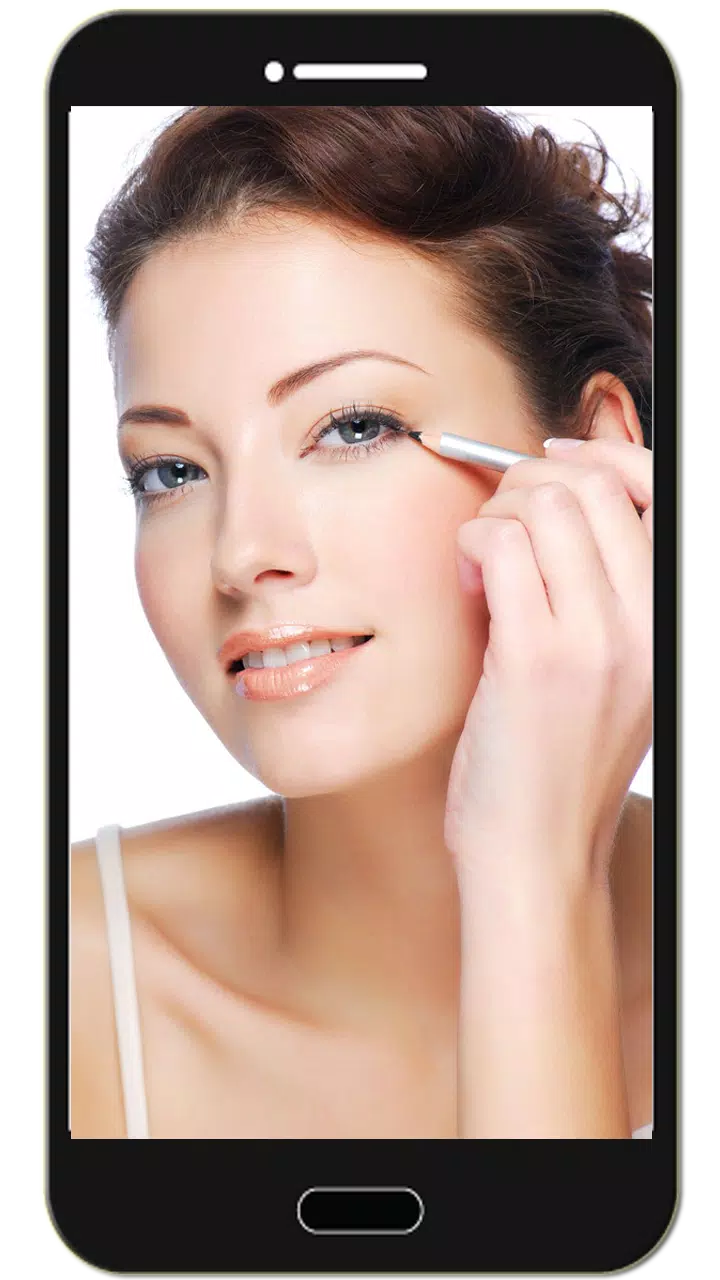
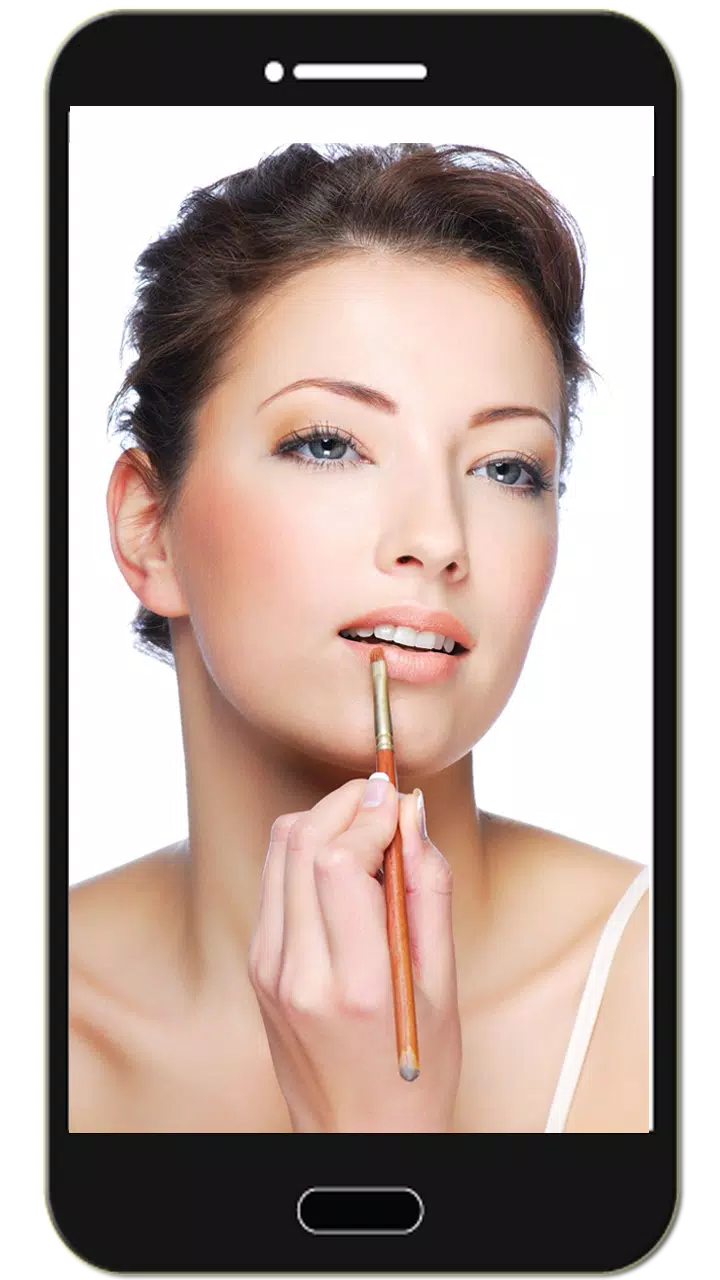
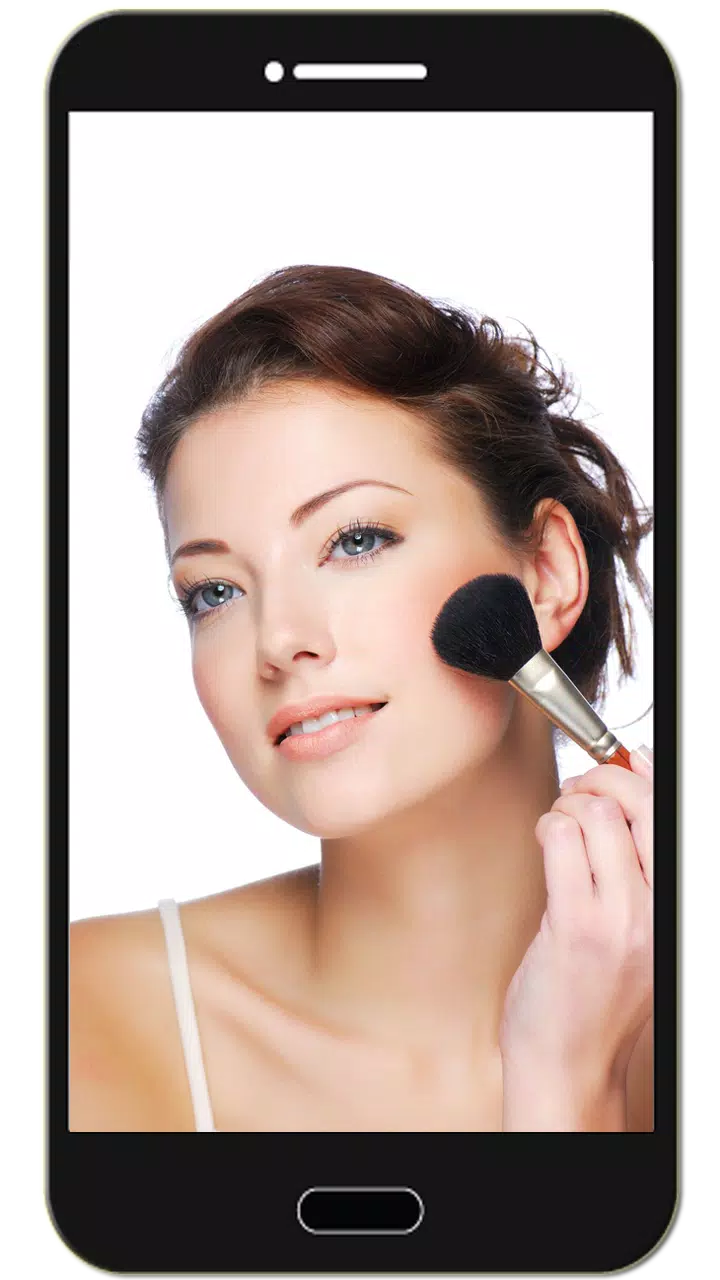
Reviews
Apps like Mirror Camera (Mirror + Selfi









Trending apps


Top News


![Roblox Forsaken Characters Tier List [UPDATED] (2025)](https://ima.hhn6.com/uploads/18/17380116246797f3e8a8a39.jpg)


Latest Apps





Latest Articles