Application Description
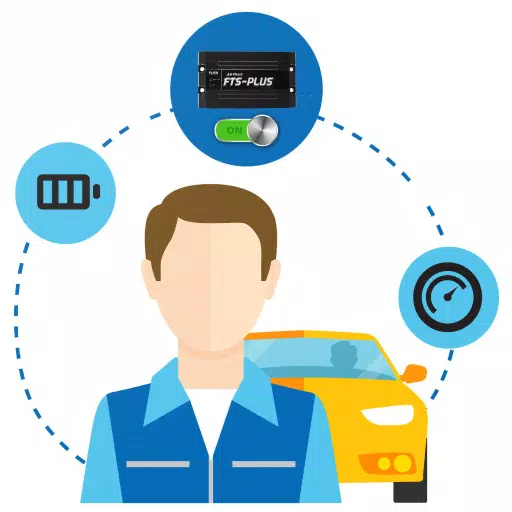
A GPS tracking application that displays the real-time status of your tracking devices.
This driver app seamlessly integrates with the company's Web Console, allowing drivers to submit work-related information for improved accuracy and completeness. Key features include:
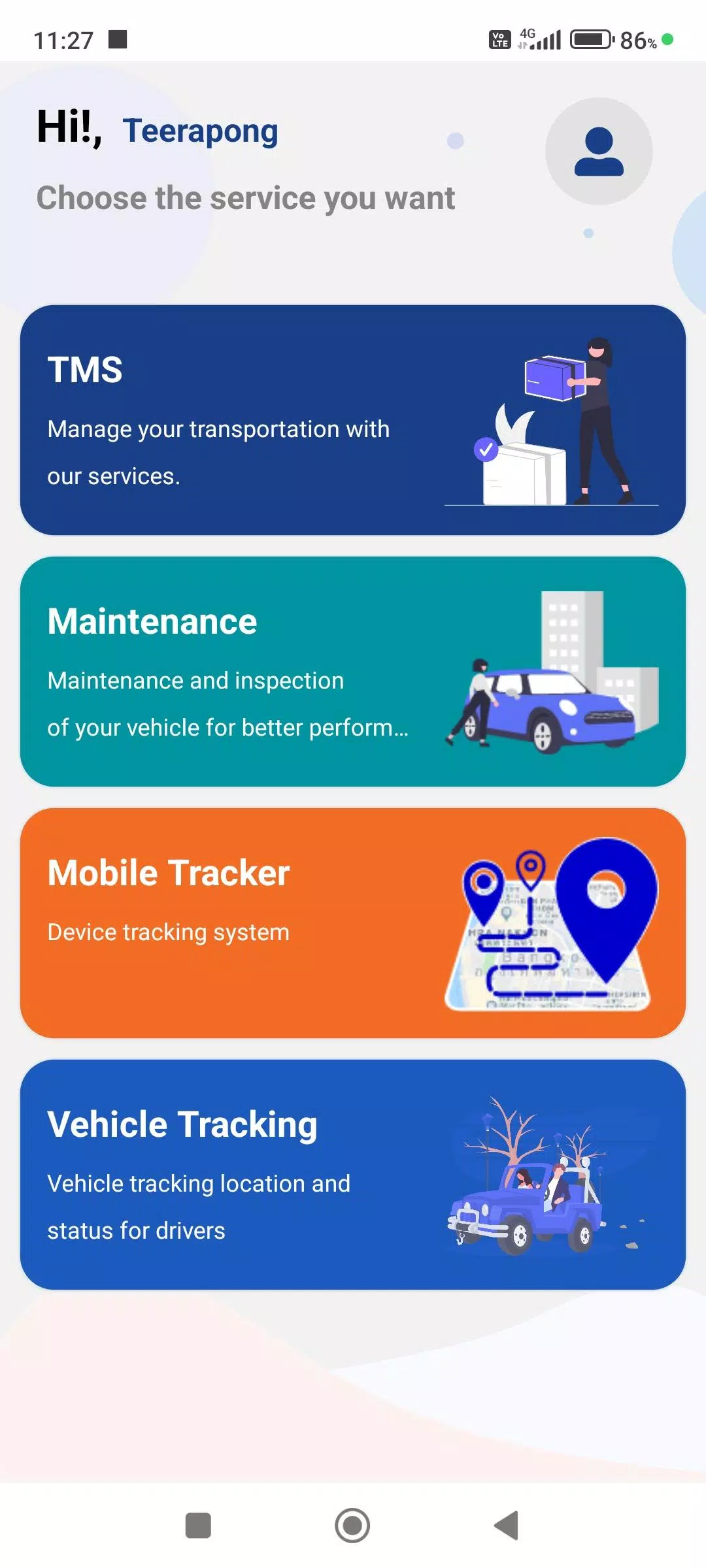
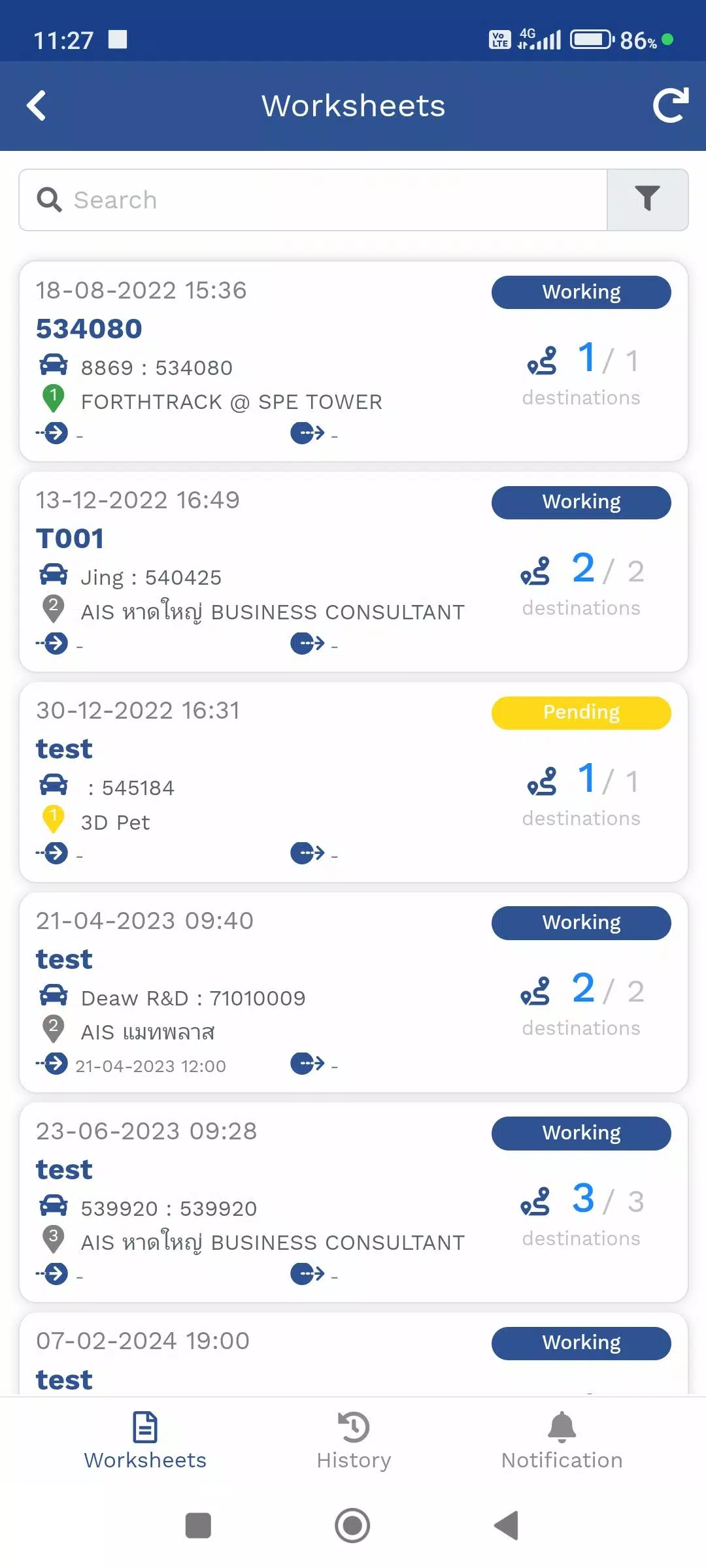
1. Travel Itinerary Menu (TMS)
Manage assigned delivery routes and travel plans. View your current location via the integrated GPS device or the Mobile Tracker menu, including all delivery destinations. Receive and update delivery statuses in real-time.
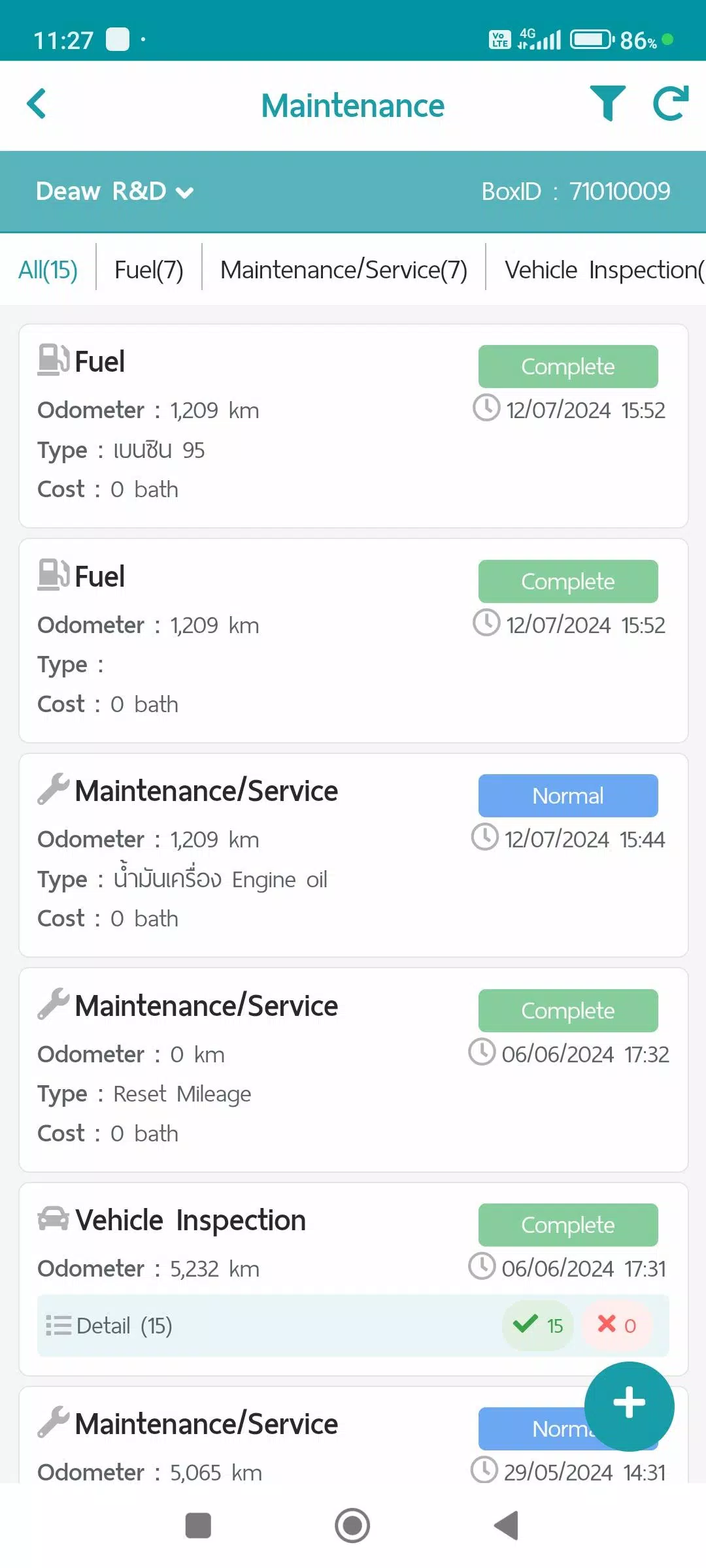
2. Maintenance Menu (Maintenance)
Record all vehicle maintenance activities. Data and reports are stored and can be summarized via the Web Console. Categories include:
- Refueling
- Maintenance/Service
- Vehicle Condition Checks
- Repair Items
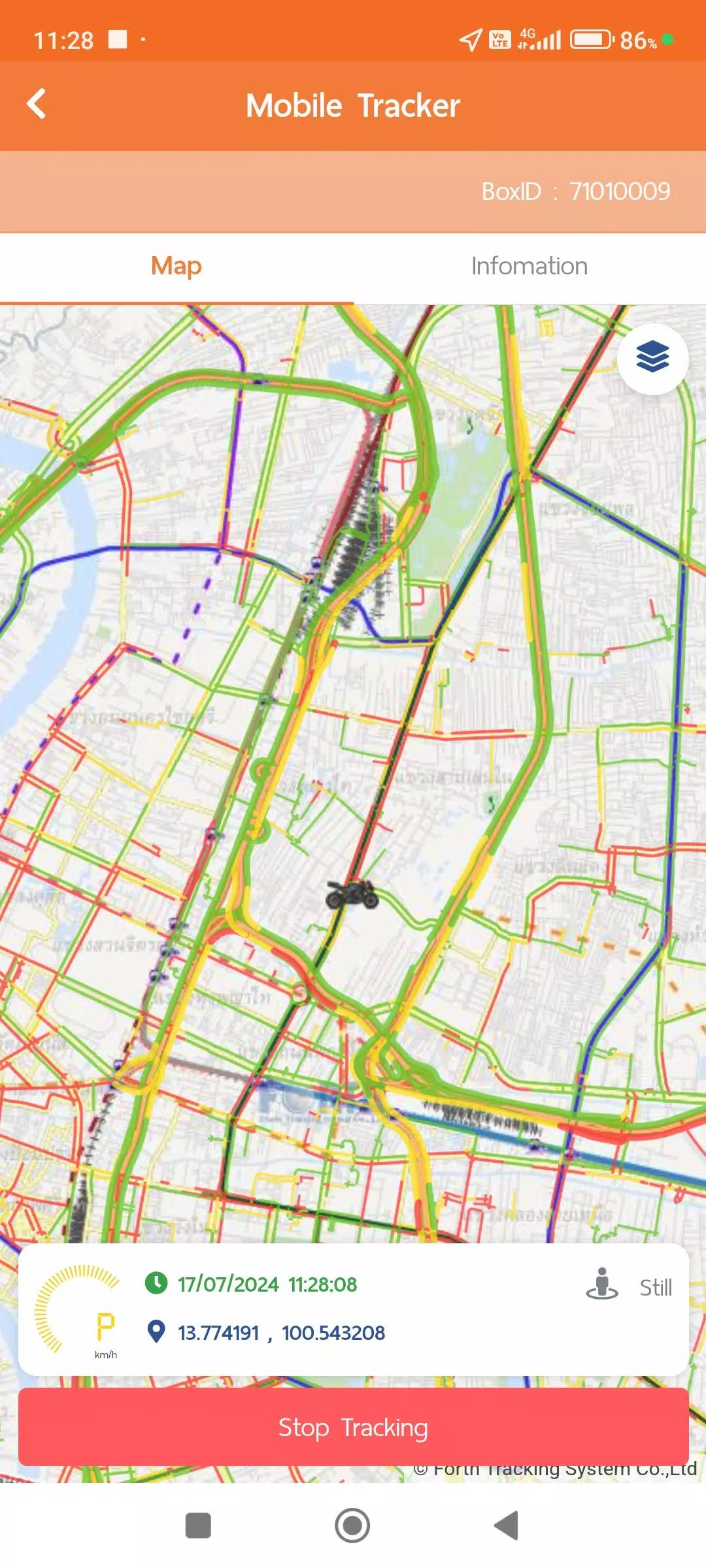
3. Mobile Tracker Menu
Determine a driver's location directly from their mobile device. This eliminates the need for a separate GPS device, as the app sends and stores GPS location data whenever tracking is active. Transmission can be paused. This data integrates with other menus like Travel Plan (TMS) and Vehicle Tracking, and summaries or formatted reports can be viewed via the Web Console. The Mobile Tracker requires the following permissions:
- Always-on location access to request GPS data seamlessly, even when the app is not active, for user convenience.
- Physical activity data access (ACTIVITY RECOGNITION) to intelligently manage GPS data collection modes, enhancing system efficiency and battery conservation:
1. Still Mode: Requests GPS data every 1 minute; switches to every 5 minutes in Power Save Mode.
2. Working Mode (Walking): Requests GPS information every 1 minute during movement.
3. In Vehicle Mode: Sends GPS data every second for precise distance and speed calculation, while normally transmitting data every 1 minute.
**Power Save Mode activates after being stationary for more than 5 minutes and deactivates upon detecting Working or In Vehicle activity.
4. Vehicle Tracking Menu (Vehicle Tracking)
View real-time location data from GPS or Mobile Tracker devices alongside current work statuses. Access historical data in various formats, including:
- Device Information
- Notification Settings
- Daily Travel Summaries
- GPS movement data for custom time intervals
- Additional data from optional equipment like MDVR or TPMS (if installed)
For details on data collection and usage, please refer to the policies available in your user account menu:
- Terms and Conditions
- Privacy Policy
- Cookie Policy
What's New in the Latest Version 1.7.6
Last updated on Nov 9, 2024
1. System performance updates and general improvements.
Screenshot
Reviews
Apps like FTS Driver App













Trending apps


Top News


![Roblox Forsaken Characters Tier List [UPDATED] (2025)](https://ima.hhn6.com/uploads/18/17380116246797f3e8a8a39.jpg)


Latest Apps






Latest Articles