
Application Description
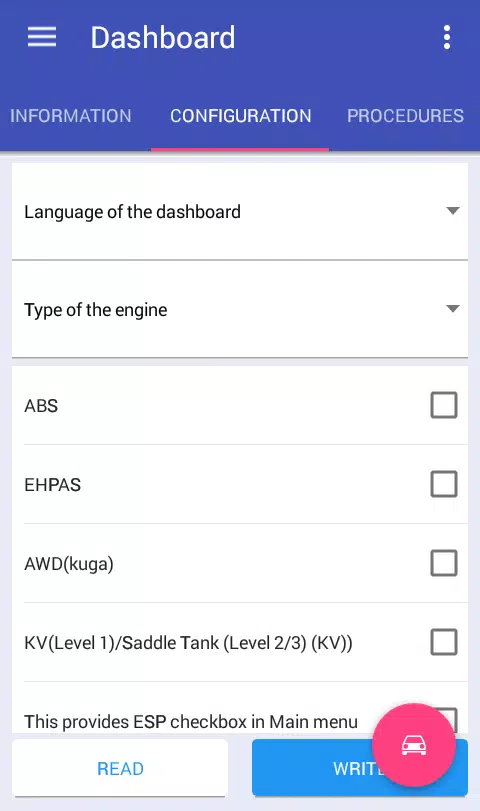
Diagnose and configure modules for the Ford Focus 2 and C-Max I.
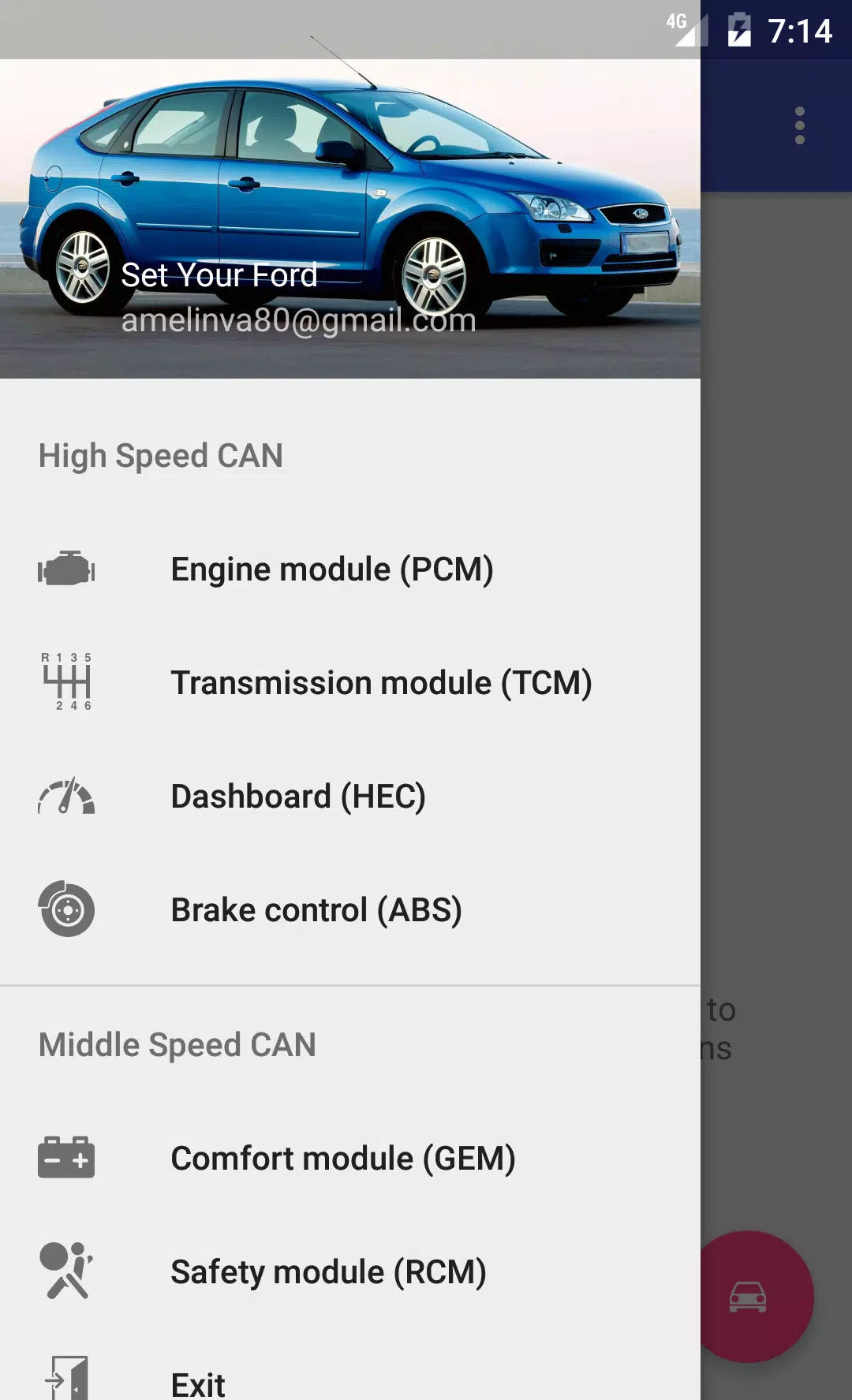
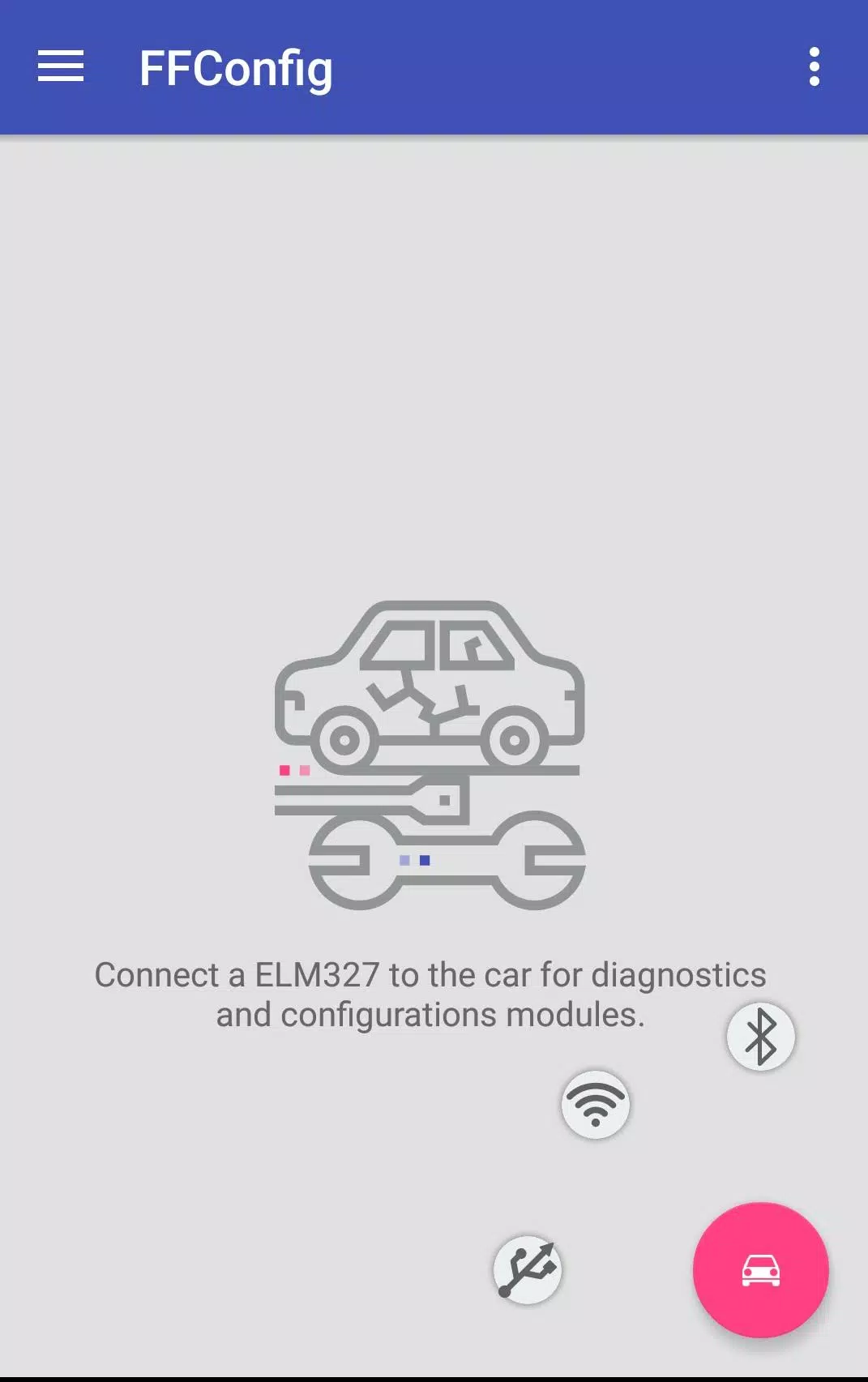
By connecting to your Ford Focus 2 or C-Max via an ELM327 or ELS27 adapter, you can access and work with the following modules on the CAN bus:
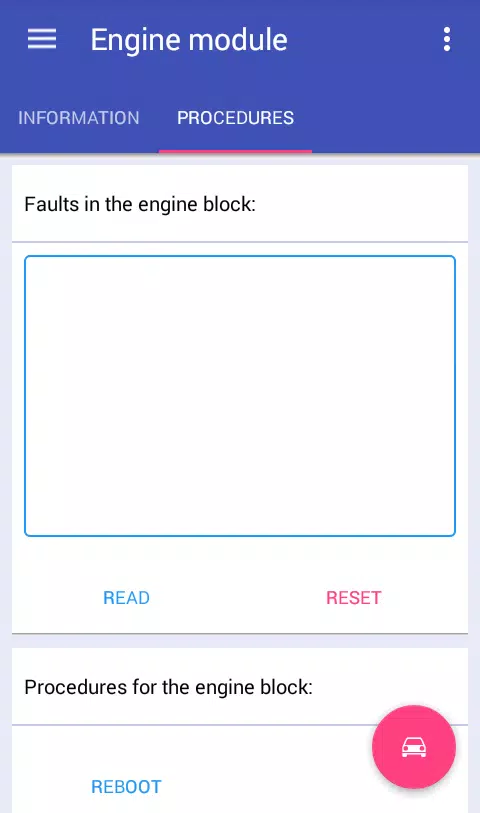
Engine Control Unit: View module information, read and clear trouble codes, reboot the module, and reset long-term fuel trim (KAM)* for:
ESU-411/418 (1.8L 125hp / 2.0L 145hp)
SIM28/29 (1.4L 80hp / 1.6L 100hp/115hp)
ESU-121/131 (1.8L 120hp / 2.0L 145hp).
Instrument Cluster: View module information, read and clear trouble codes, configure the module, reboot it, change the odometer's mileage unit, and perform mileage correction*.
- Brake Control Module: View module information, read and clear trouble codes, configure the module, reboot it, reset DDS calibration, and perform brake bleeding*.
- Comfort Module: View module information, read and clear trouble codes, configure the module*, and reboot it.
- Safety Module: View module information, read and clear trouble codes, configure the module, reboot it, and reset crash data*.
- Transmission Control Module: View module information, read and clear trouble codes, and reset KAM*.
- Climate Control Module: View module information, read and clear trouble codes.
- Audio Module: View module information, read and clear trouble codes, and retrieve the radio code (for M-series units)*.
*- These features are available only in the full version.
To unlock the application's full potential and access more vehicle modules, you will need to spend a short time modifying your ELM327 adapter.
Configure the switch as described here:
Http://forffclub.narod.ru/index/0-2
An ELS27 adapter can be purchased at: https://els27.ru/. To use the application with ELS27USB, set the speed to 38400 baud. For ELS27BT, use 2,000,000 baud via the ELS27 Baudrate utility.
Screenshot
Reviews
Apps like FFConfigLite













Trending apps


Top News


![Roblox Forsaken Characters Tier List [UPDATED] (2025)](https://ima.hhn6.com/uploads/18/17380116246797f3e8a8a39.jpg)


Latest Apps






Latest Articles