Application Description
Crop, cut out, and overlay photos with ease using this intuitive hand tool.
This convenient and straightforward image editor is designed specifically for cropping and overlaying pictures. Simple tools. No clutter!
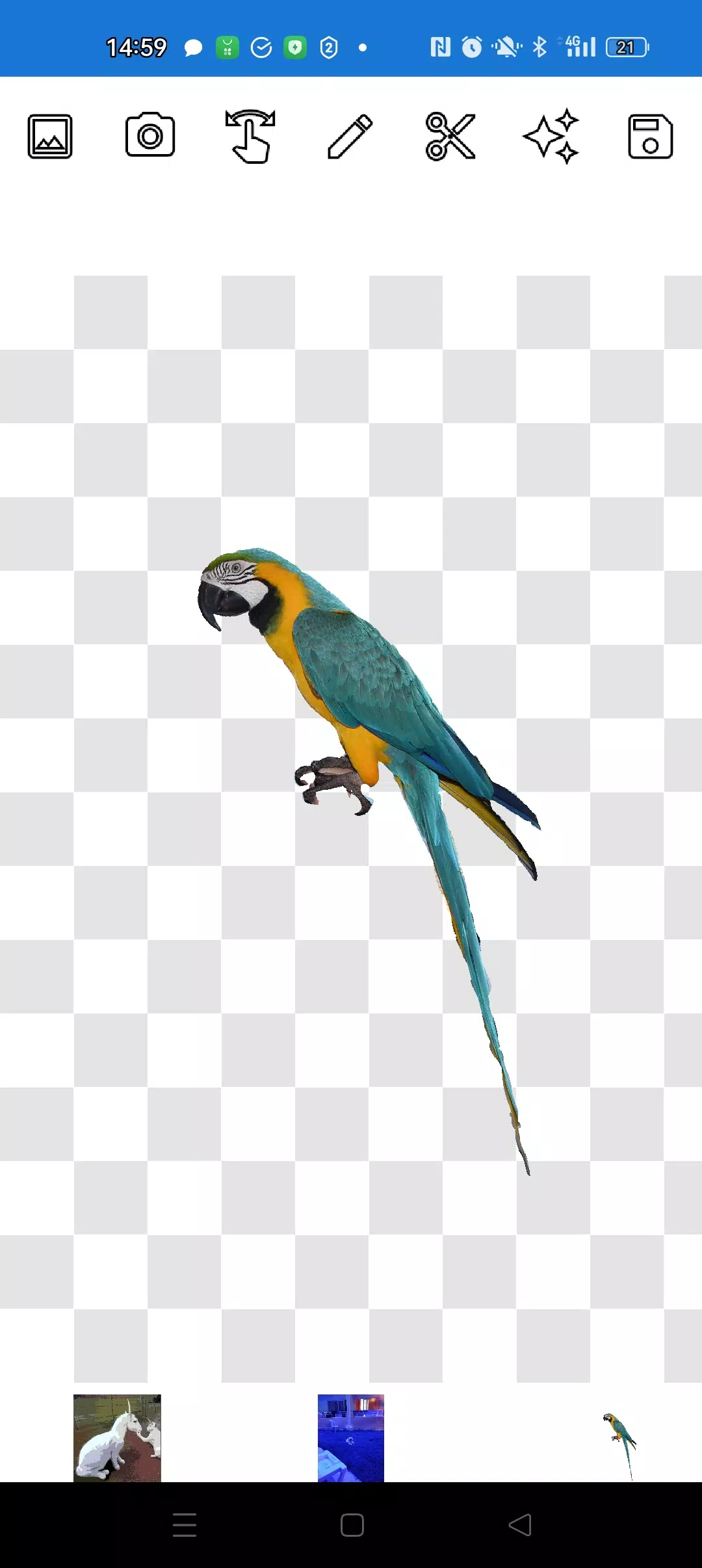
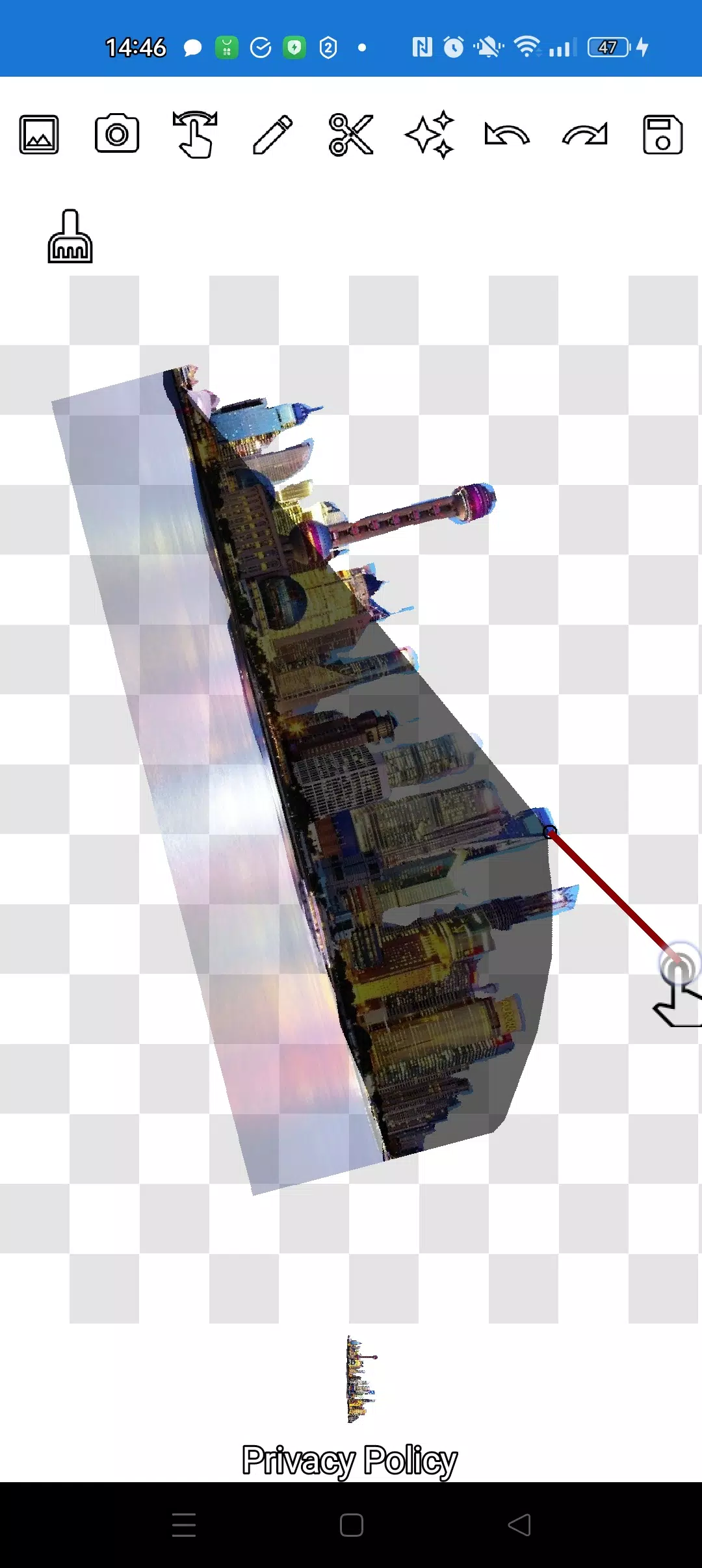
The app lets you cut out a photo along any contour and layer it onto another image.
You can extract any object, even the tiniest details, using two handy tools: the pencil ✏️ and the lasso.
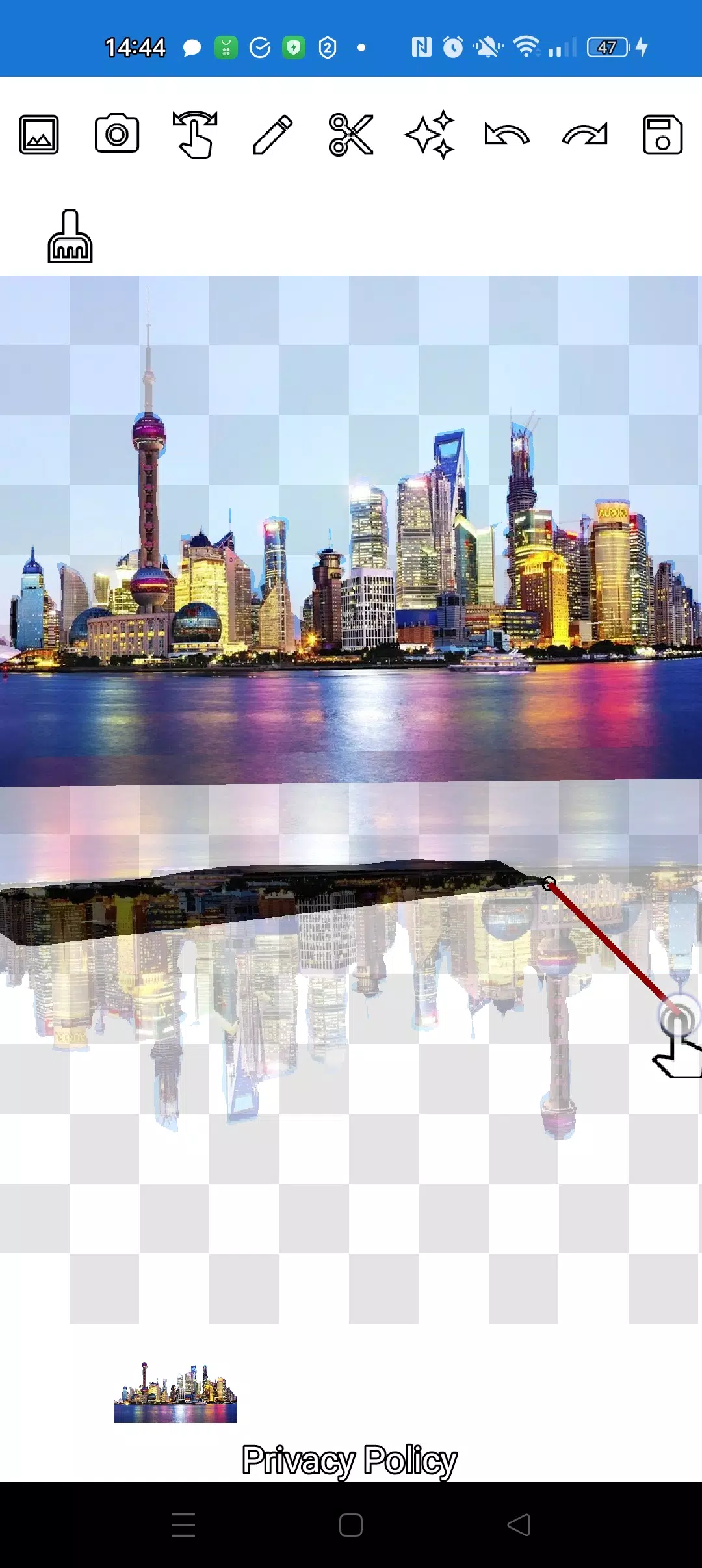
The pencil draws your outline and can become an eraser with adjustable transparency. Choose any pencil thickness. To make an object translucent, select a medium transparency setting. Fine-tune edges by adjusting transparency.
Tap the "magic" tool next to the save button to seamlessly blend objects into the background.
For cutting out complex objects, you can zoom in closely using the manipulation (finger) mode and carefully trace the outline with the pencil or lasso.
Create intricate collages and compositions in just minutes!
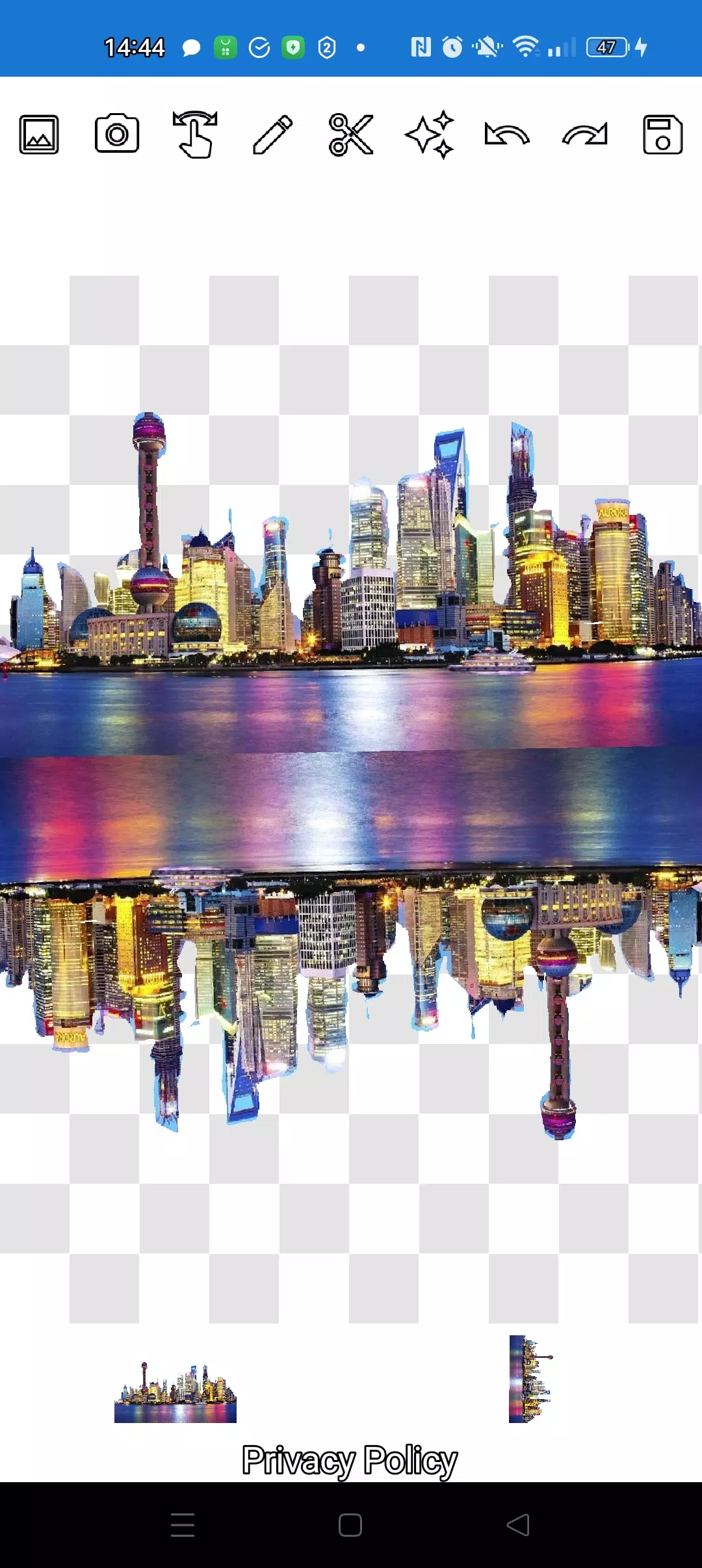
Layer as many objects as you like. Simply pick several photos from your gallery, cut out the ones you need, keep one as the background, arrange them beautifully, and save the final collage. Tip: first choose the image to overlay for easy cutting, then select the background—your overlay will stay in place. Just tap a layer at the bottom to bring it to the front.
If you want to remove a picture from the screen, swipe it until it's almost hidden and it will be deleted.
Save your work by selecting a crop area. In crop mode, choose the rectangular section you wish to keep. Tap the checkmark, and the photo saves to your gallery.
Don't worry about layer order. All layers (pictures) are shown at the bottom of the screen. A single tap on a layer brings it to the top. It's that simple! You have full control over the arrangement of objects and background.
The only thing that might seem tricky at first is knowing which mode to use (manipulation, pencil/eraser, or lasso). After a couple of minutes of practice, it becomes second nature!
Impress your friends on social media and messaging apps with unique pictures. Create fakes, memes, and jokes! This app is a simple, handy tool for any situation—perfect for social media memes, business needs, websites, logos, and banners when you don't have a full editor nearby and time is short.
Use the app anywhere: cafés, the subway, or on a plane—it works completely offline!
Simple technology from Pimur.
Thanks for reading to the end. Please share your feedback below—we truly value it!)
What's New in the Latest Version 4.5
Last updated on Sep 17, 2024
Minor bug fixes and improvements. Install or update to the latest version to see for yourself!
Screenshot
Reviews
Apps like Cut and move pictures









Trending apps


Top News


![Roblox Forsaken Characters Tier List [UPDATED] (2025)](https://ima.hhn6.com/uploads/18/17380116246797f3e8a8a39.jpg)


Latest Apps






Latest Articles