Application Description
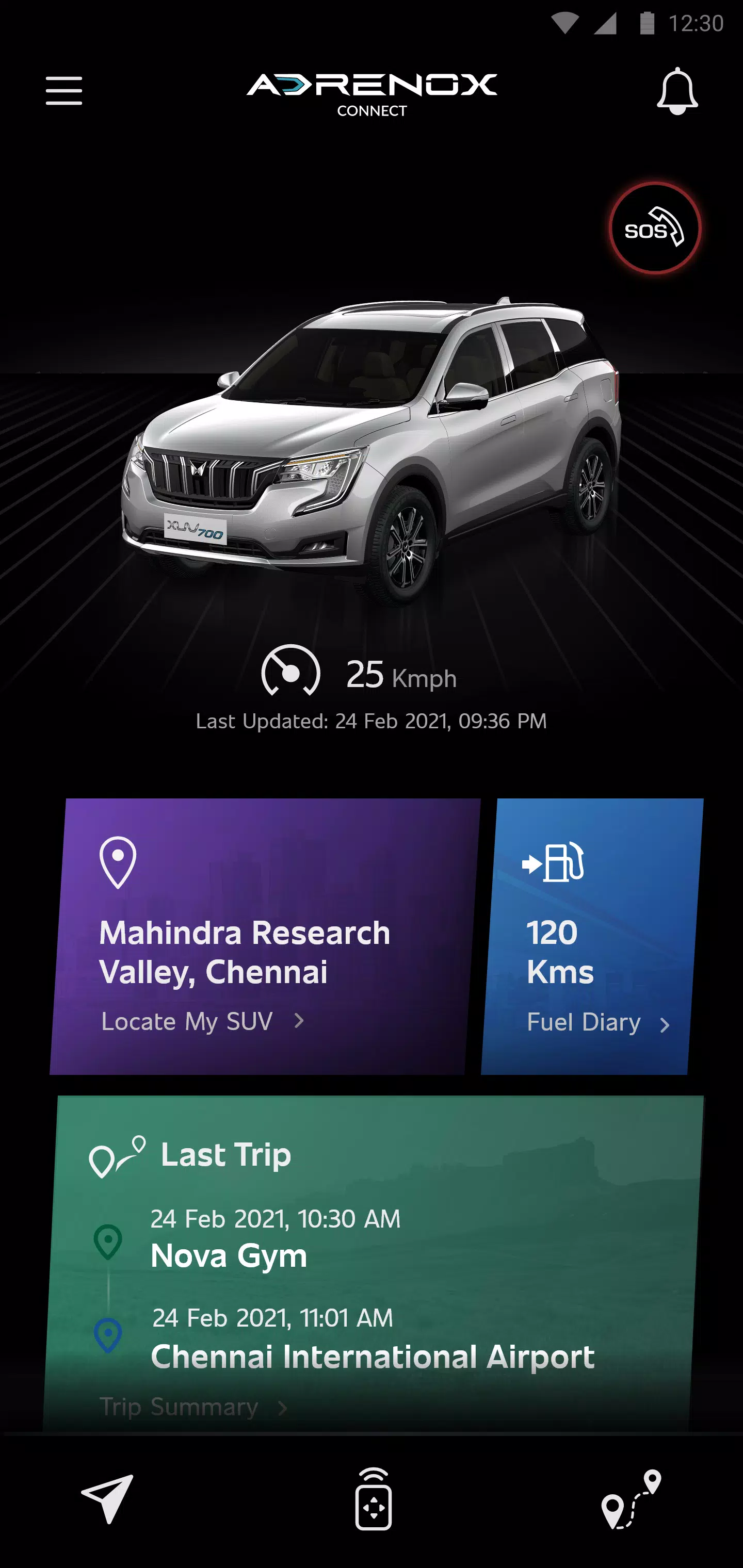
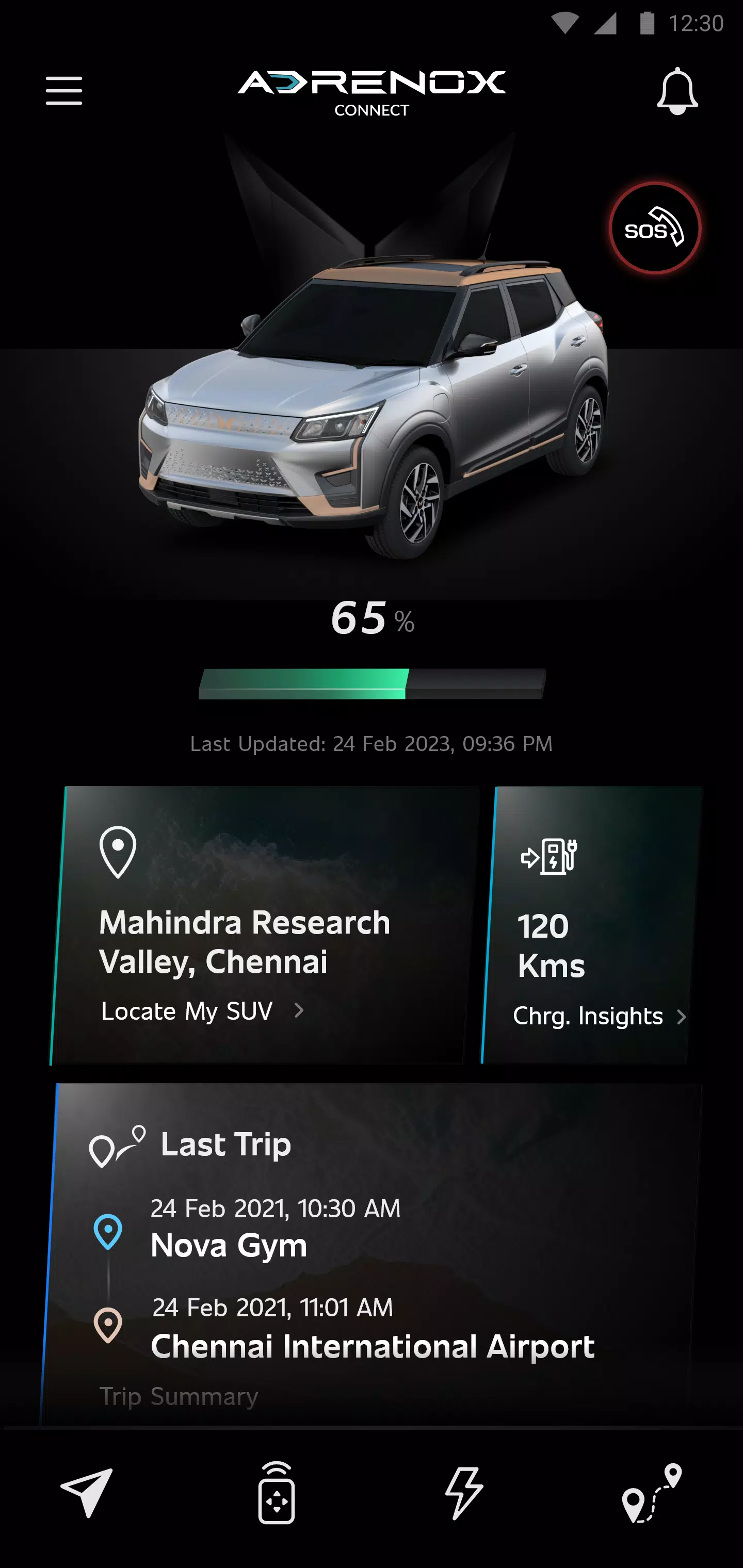
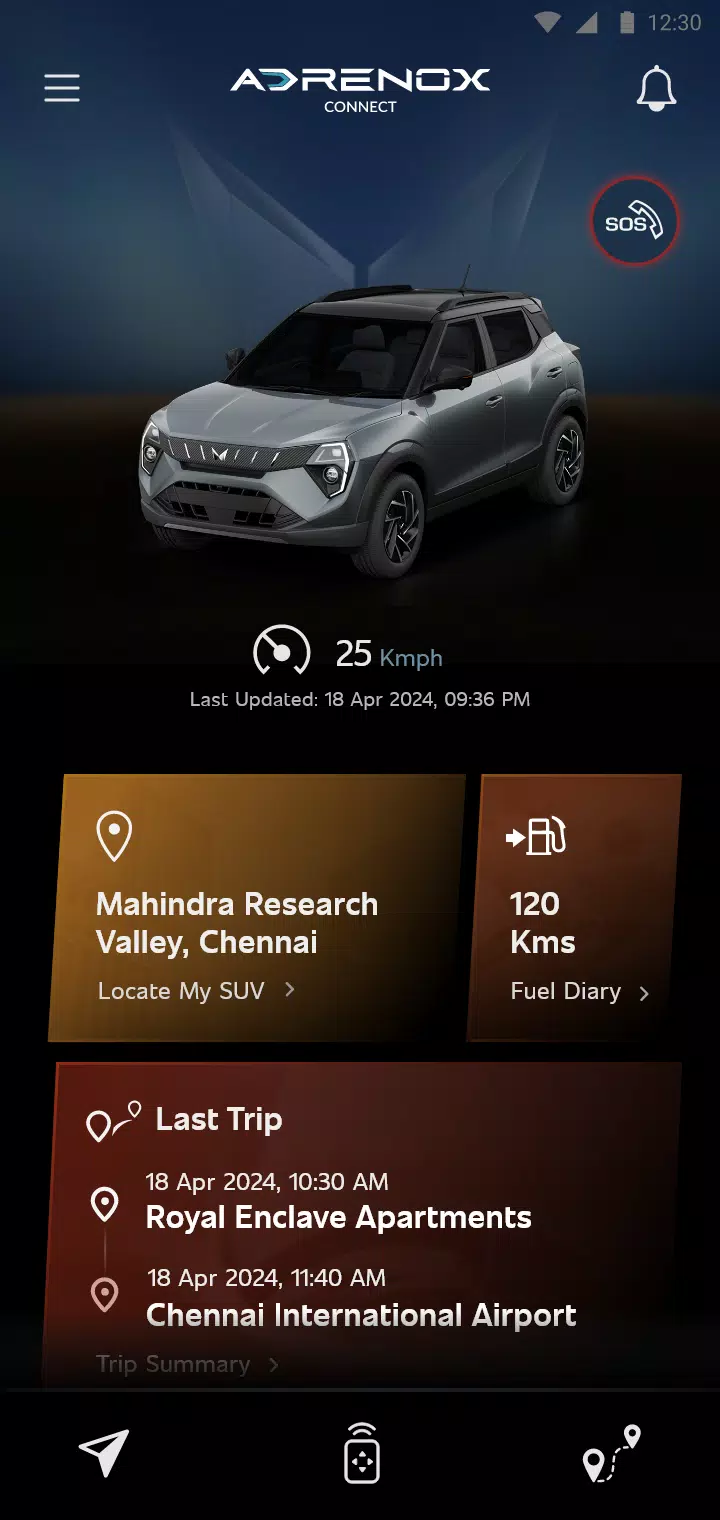
Adrenox Connect is a connected solution that keeps you in touch with your vehicle.
Adrenox Connect is Mahindra's connected SUV technology, keeping you linked to your vehicle at all times.
Adrenox Connect introduces an entirely new way to experience your SUV through your smartphone!
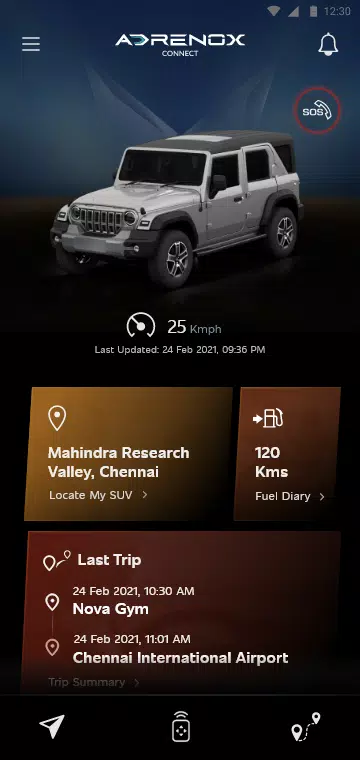
Get ready to boost your adrenaline with intelligent technology at your fingertips. Track your vehicle in real-time, lock and unlock it, activate the AC remotely, and much more—all with just a few taps on your smartphone or smartwatch.
Alerts
Vehicle Information
Remote Functions
Safety Functions
Location Based Services
Partner Apps
Steps to use Wear OS:
1. Download the "Adrenox Connect" app on your phone and log in using your credentials
2. Connect your smartwatch to your phone via the "Wear OS" app
3. Open the Play Store on your smartwatch and search for the "Adrenox Connect" app
4. Download and install the "Adrenox Connect" app on your smartwatch
5. Open the "Adrenox Connect" app on your smartwatch after a successful login from the mobile app
6. The splash screen, home screen, and read screen will appear on your smartwatch
Screenshot
Reviews
Apps like Adrenox Connect











Trending apps


Top News


![Roblox Forsaken Characters Tier List [UPDATED] (2025)](https://ima.hhn6.com/uploads/18/17380116246797f3e8a8a39.jpg)


Latest Apps




Latest Articles