

Application Description
Keep your Bring Digital Key up to date by using the Bring & T update app to install the latest software version.
Ensure your Bring Digital Key runs smoothly by updating its software via the Bring & T update app.
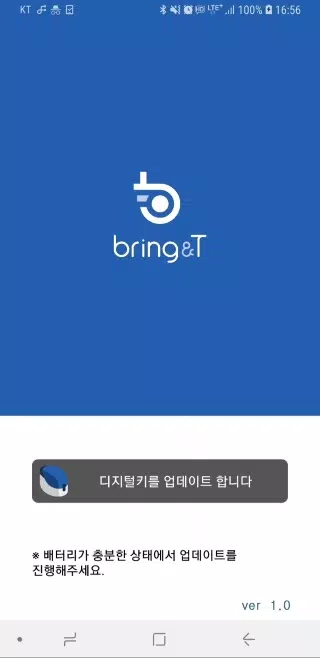
1. Launch the BringAnti update application.
2. Tap "Update digital key" at the screen's bottom menu.
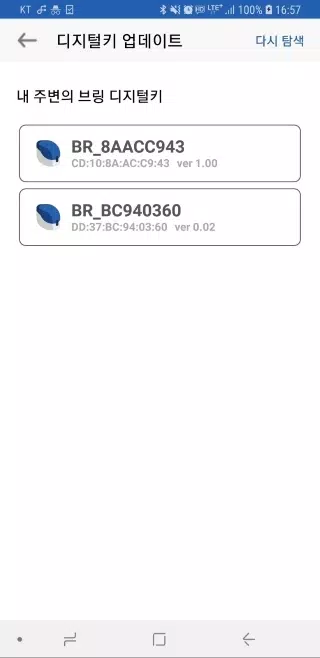
3. Choose your digital key labeled "BR_xxxxxxxx" from the displayed list.
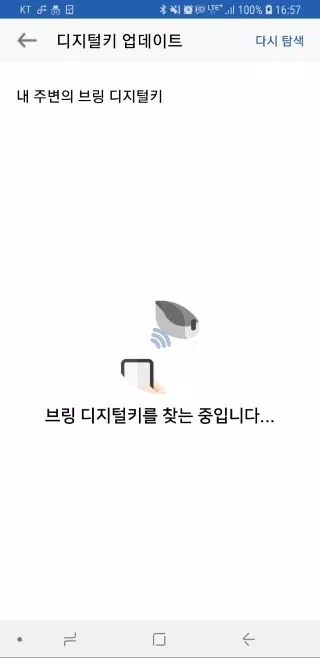
If your key isn't visible, click [Search again] to refresh the results.
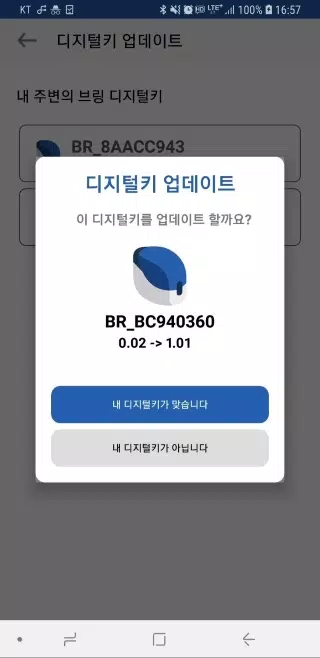
4. Upon selection, view both the current and available update versions for your digital key.
5. Confirm by pressing "Your device is correct" – the key's indicator will flash purple for 10 seconds.
Briefly press the key's button (0.5 seconds) during this phase.
6. The indicator will transition from purple to blue, signaling successful software installation.
7. Once updated, select "Close" to exit the application.
8. Maintain proximity between your device and digital key throughout the wireless update process.
9. Updates require 2-3 minutes and cannot be interrupted – ensure adequate battery beforehand.
10. Should errors occur, restart the application and retry the update procedure.
11. Software updates are only available for registered digital keys.
Unregistered keys do not qualify for version upgrades.
Screenshot
Reviews
Apps like 브링앤티 업데이트











Trending apps


Top News


![Roblox Forsaken Characters Tier List [UPDATED] (2025)](https://ima.hhn6.com/uploads/18/17380116246797f3e8a8a39.jpg)


Latest Apps






Latest Articles